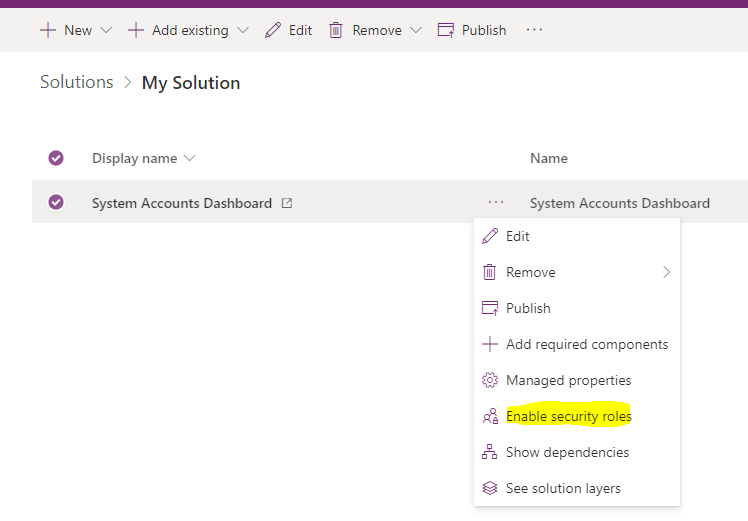
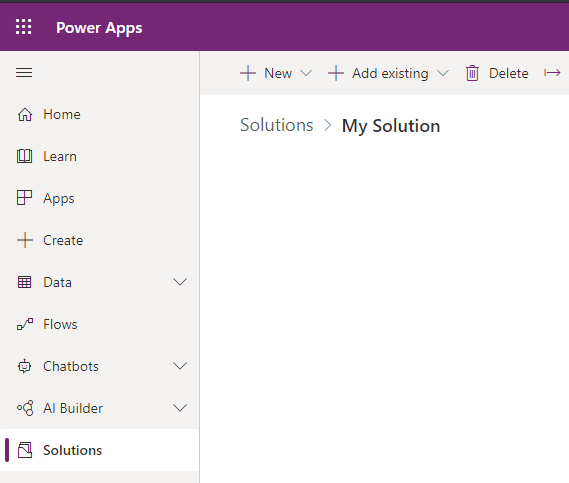
To create a system dashboard, go to the Power Apps Maker and create a new solution:
Then select New->Dashboard and select the type of dashboard:
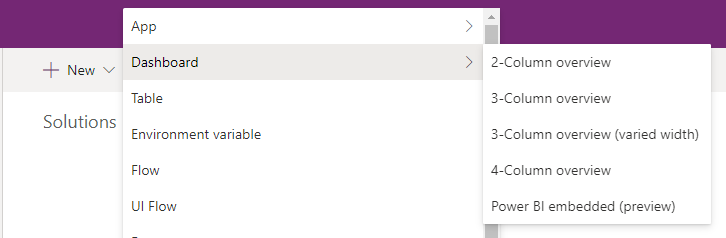
We will select 2-column overview:
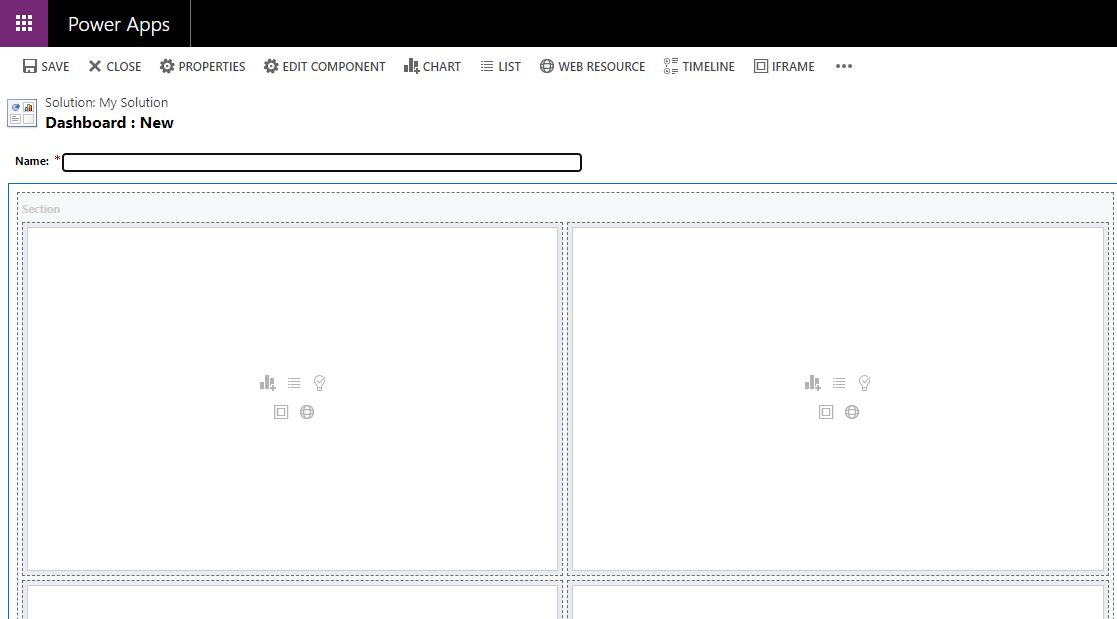
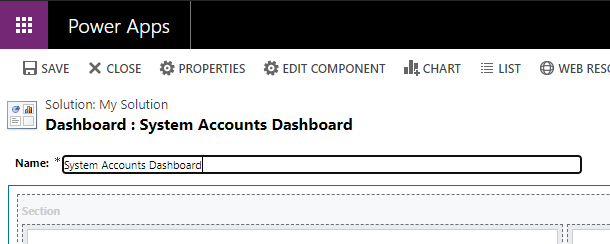
Give the dashboard a name:
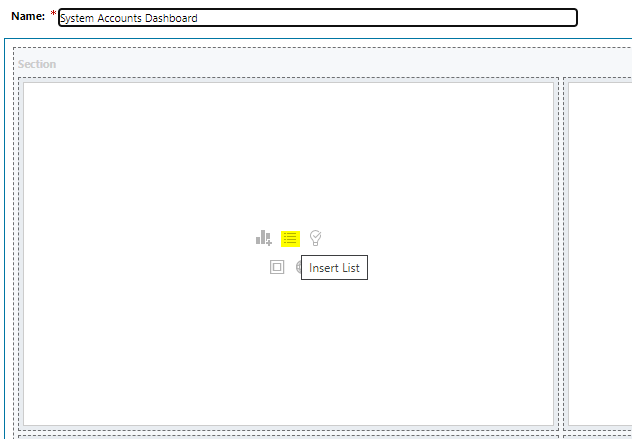
And we will add a list to the first component:
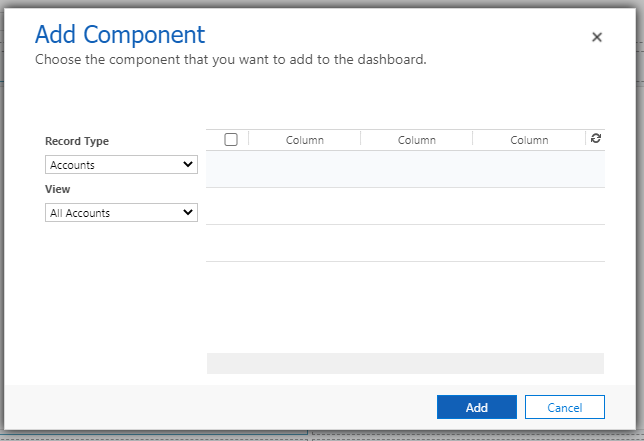
It will be a list of all Accounts:
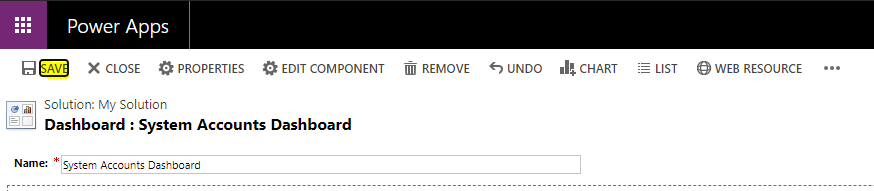
Click Save:
If I don’t publish, we can see the Dashboard under Dashboards, however we see the message “Dashboard has no components to be shown. Please add one or more components”:

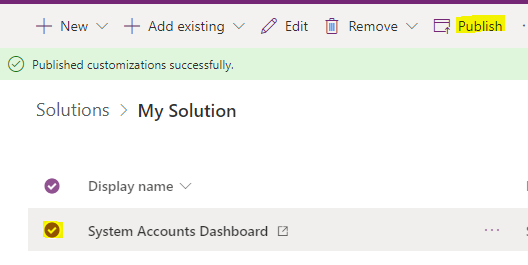
Let’s Publish the dashboard back in the Maker page:
We now see the dashboard:

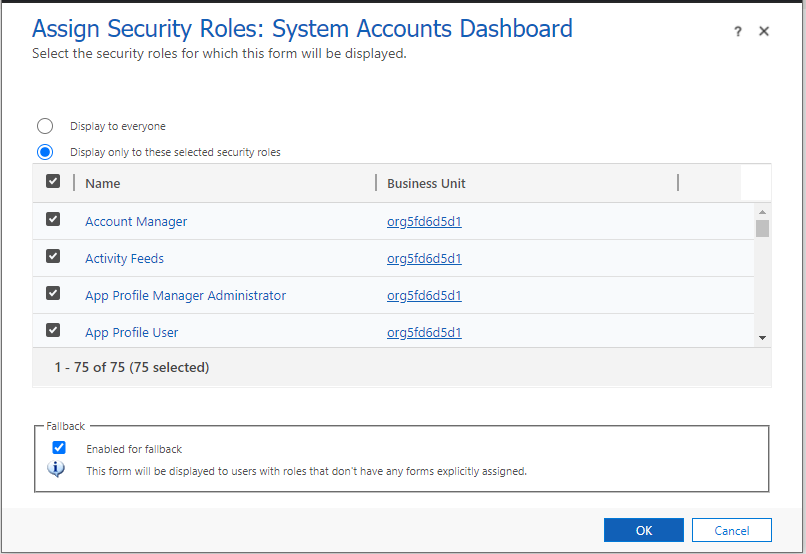
We can restrict access to the dashboard through Security Roles: