
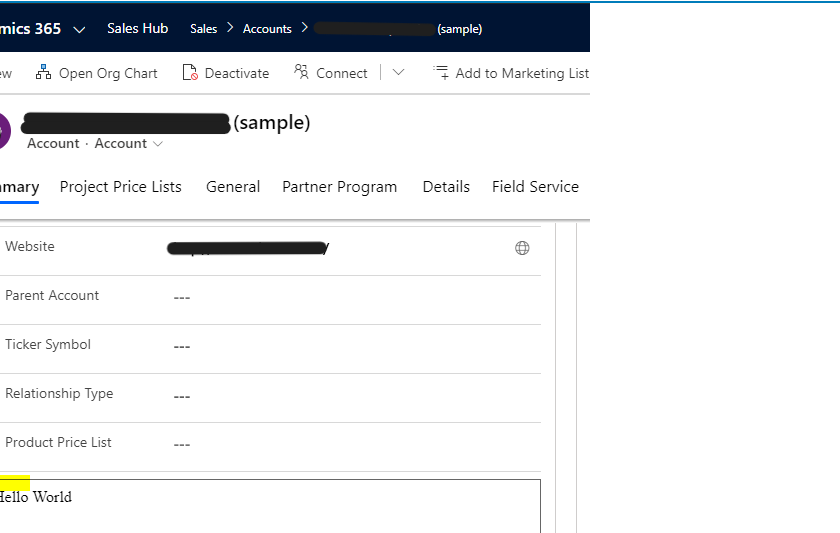
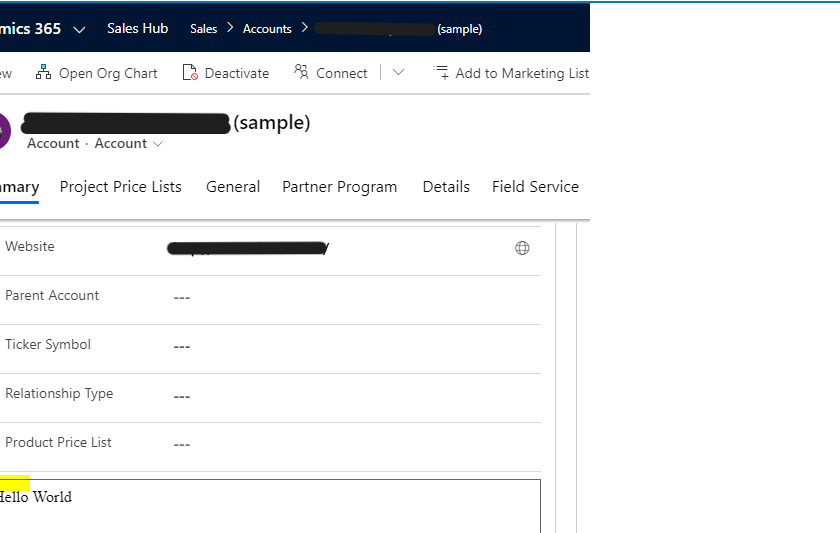
When a web resource is created in Dynamics 365 / Power Apps, we get a border defaulting around it. For example, below is a web resource on the Account form displaying “Hello World”. We see the border around the web resource:
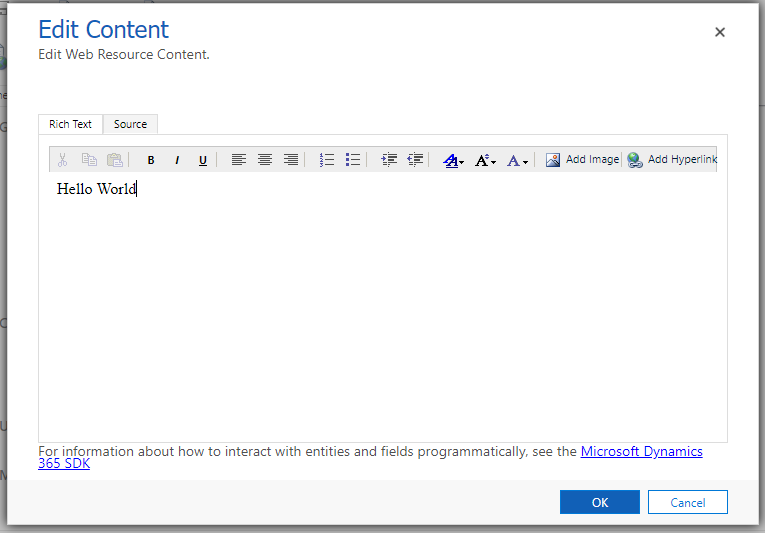
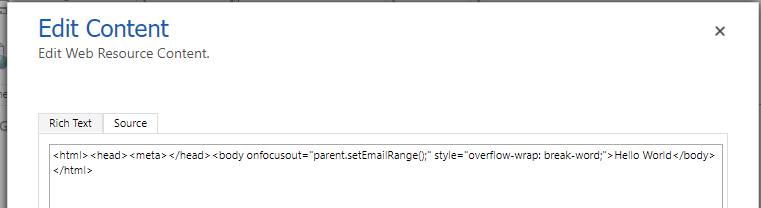
Even though we’re not doing anything specific in the web resource HTML:
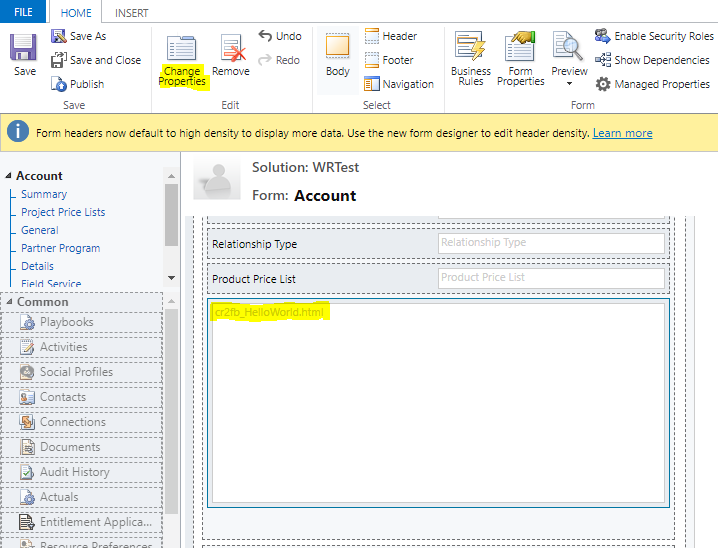
To remove the border, open the form in design mode and go to the Web Resource properties:
Go to the formatting tab:
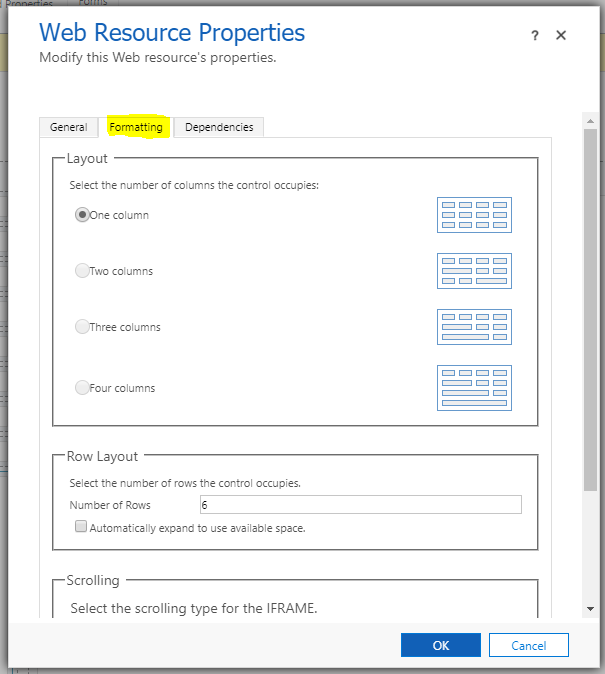
Scroll to the bottom and uncheck Display Border:

After saving and publishing, you will see the border has been removed on the form:
HOW TO REMOVE THE BORDER AROUND A WEB RESOURCE IN DYNAMICS 365 / POWER APPS