
In this post, we will look at field label maximum sizes and how to overcome them.
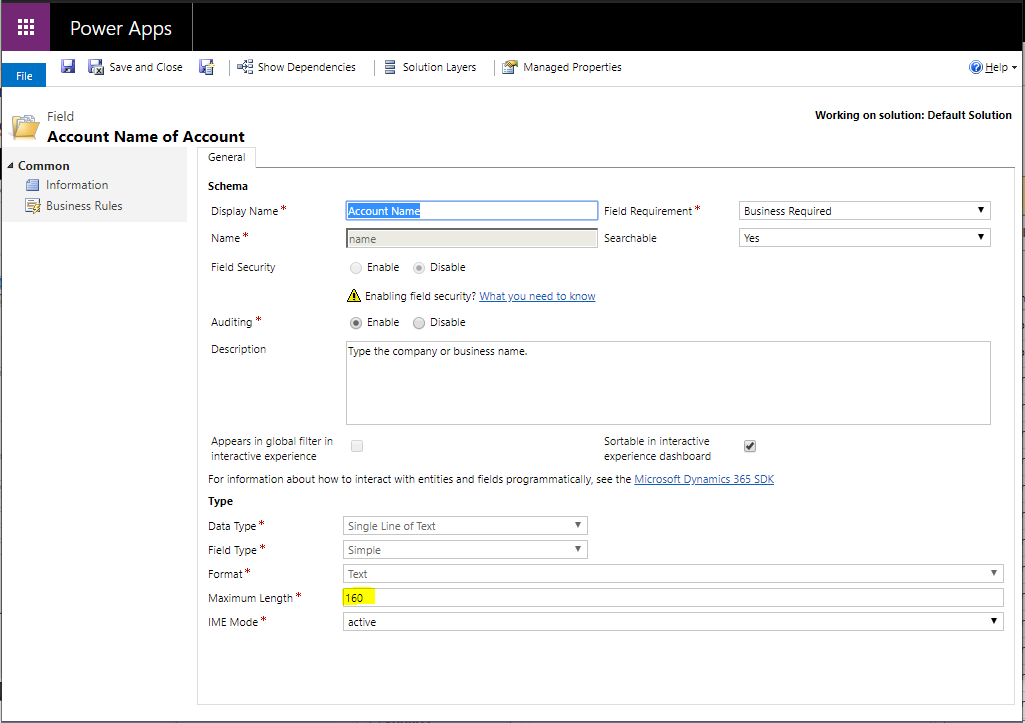
Let’s look at the account name of an Account record. The size of the record is 160 characters:
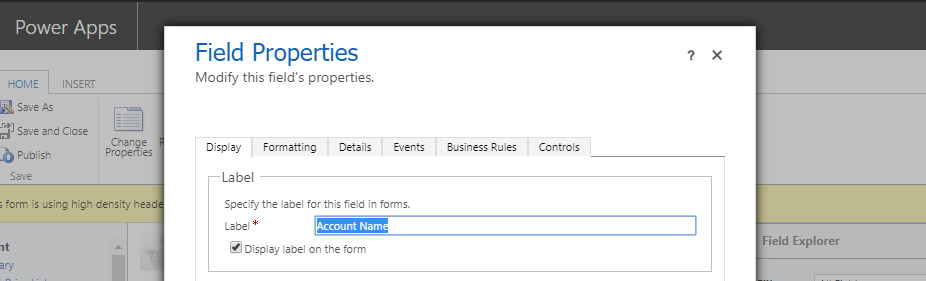
Now what if we want to go over this? Let’s look at the label of the name:
Let’s create a string greater than 160 characters, i.e. 161 characters:

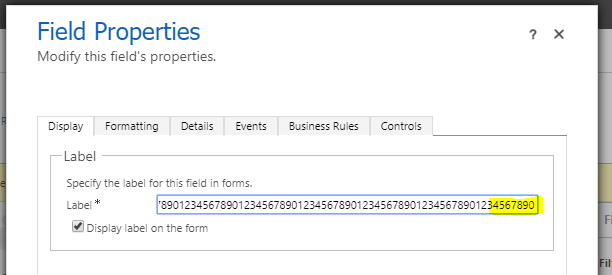
If we paste this into the label field, it truncates the last character, so the total length is still 160:
To overcome this, let’s use JavaScript to set the field label. We will use Xrm.Page but you should use formContext:
Xrm.Page.getControl(“name”).setLabel(“12345678901234567890123456789012345678901234567890123456789012345678901234567890123456789012345678901234567890123456789012345678901234567890123456789012345678901”);
Or
formContext.getControl(“name”).setLabel(“12345678901234567890123456789012345678901234567890123456789012345678901234567890123456789012345678901234567890123456789012345678901234567890123456789012345678901”);
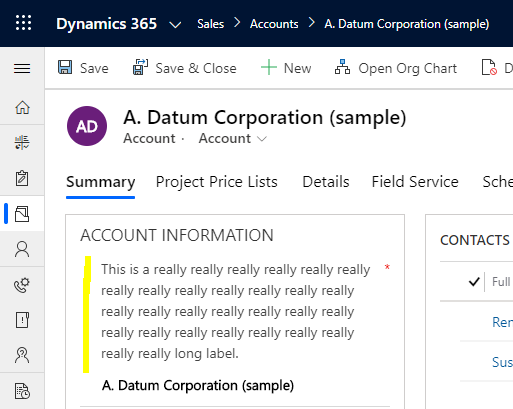
We see the label is now above 160 characters:

Or a really really long label:
GOING OVER FIELD LABEL MAXIMUMS IN DYNAMICS 365 POWER APPS