
In this post, we will look at how to disable the Export to Excel feature in Dynamics 365. Disabling this may be useful if you have certain data governance requirements.
First, let’s look at a user that has this functionality. Clicking on a list of Leads, we see he has the ability to Export to Excel:

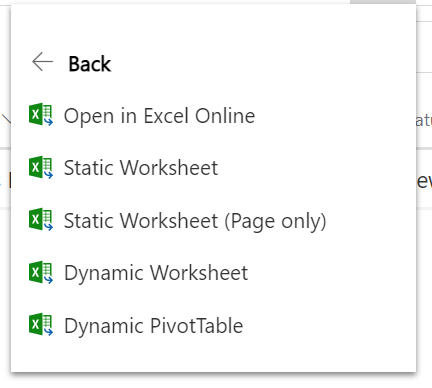
And selecting this gives him further options:
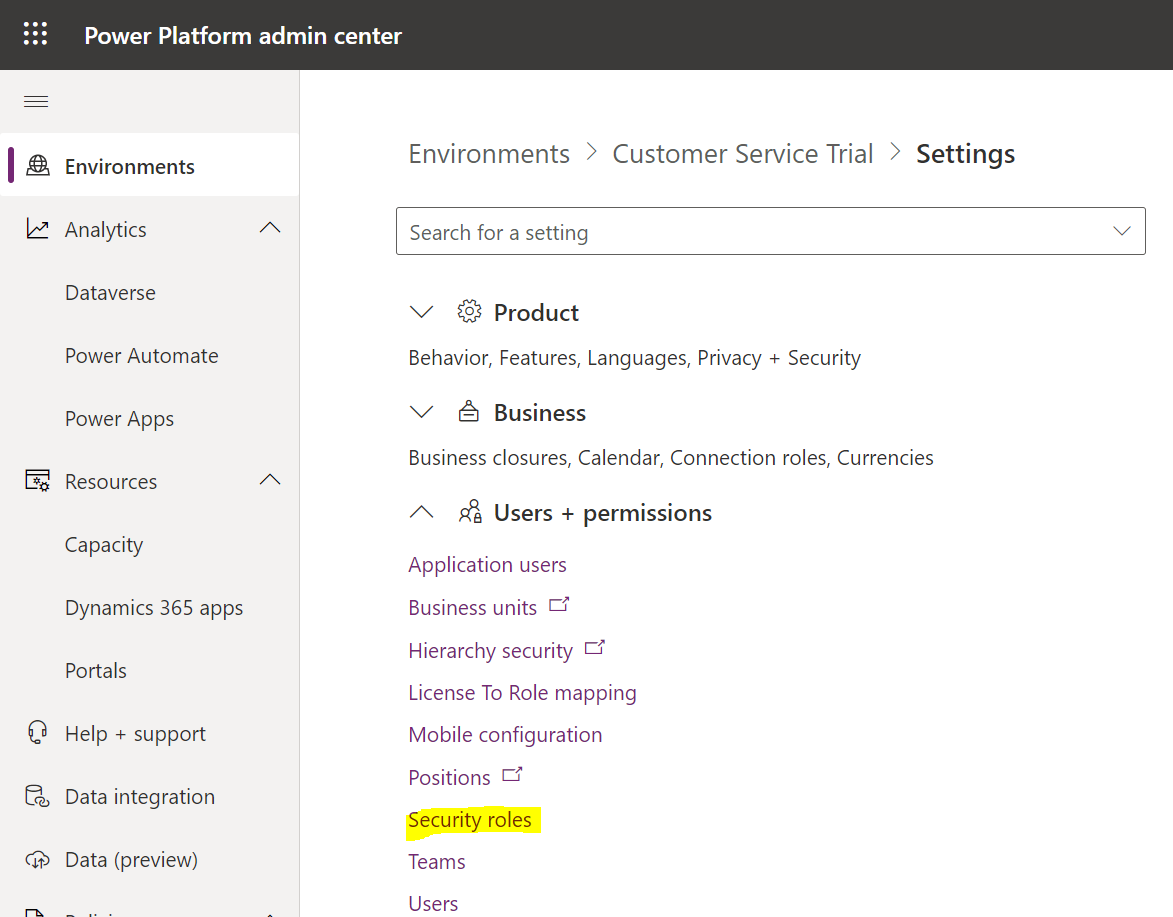
In the Power Platform Admin Center, go to Security Roles:
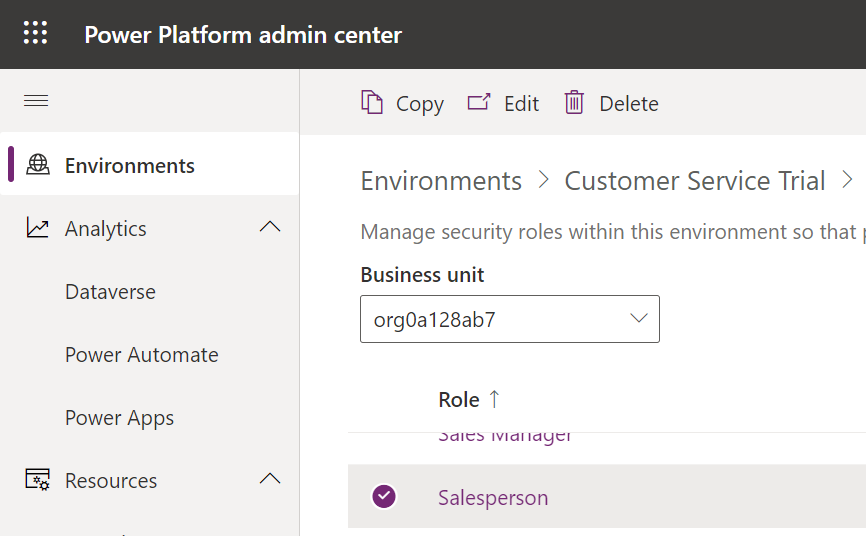
Select this user’s role and click Edit:
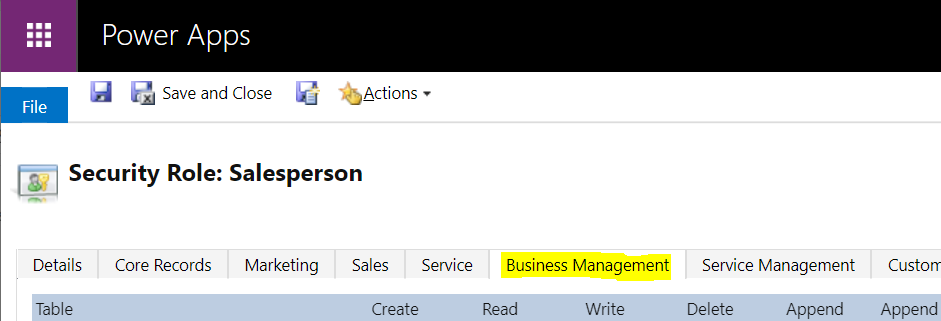
Now, go to the Business Management tab:
And scroll down to Export to Excel, then disable it:
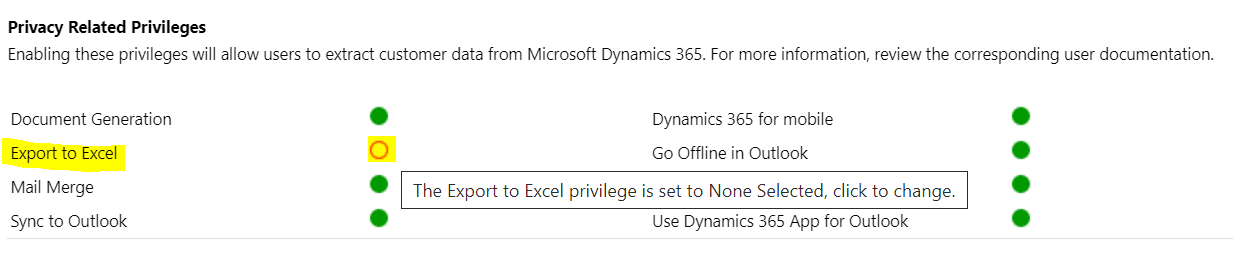
Save the role.
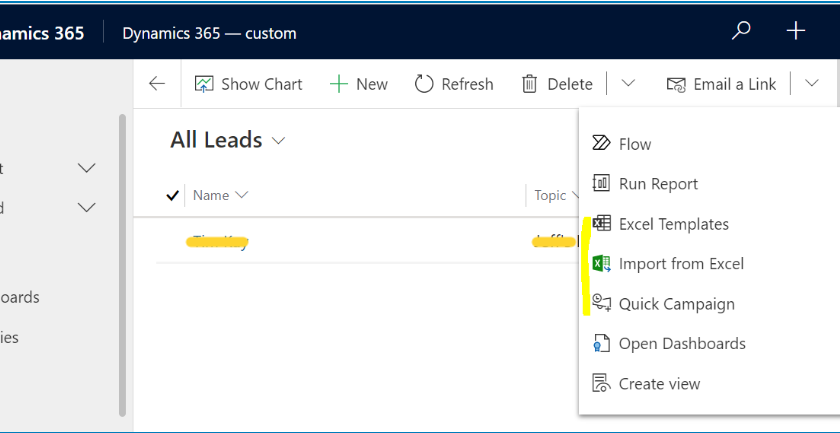
Now, when the user uses the app, the Export feature is no longer available:
DISABLING EXPORT TO EXCEL IN DYNAMICS 365