
When building and deploying solutions in Dynamics 365 Power Apps across environments, we may want to merge or combine solutions into one deployable solution. For example, if you have multiple developers with their own solutions in a Development environment, and you are creating a new release, you may want to deploy the one Release solution to the next environment. The Solution Components Mover in the XrmToolbox can help to merge and combine these solutions. Let’s look at how to use it.
Let’s create 2 solutions, Solution A, and Solution B, and merge the solutions into Solution C.
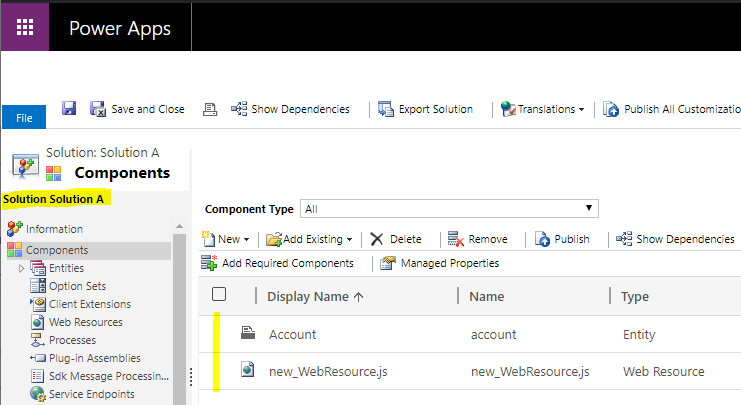
Solution A contains the Account entity and a new Web Resource:
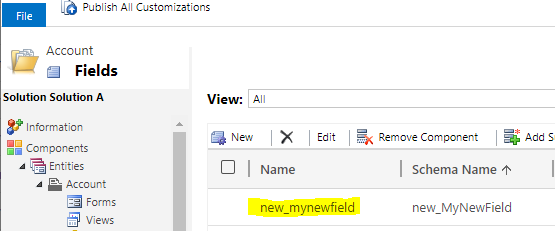
 The entity contains a new field:
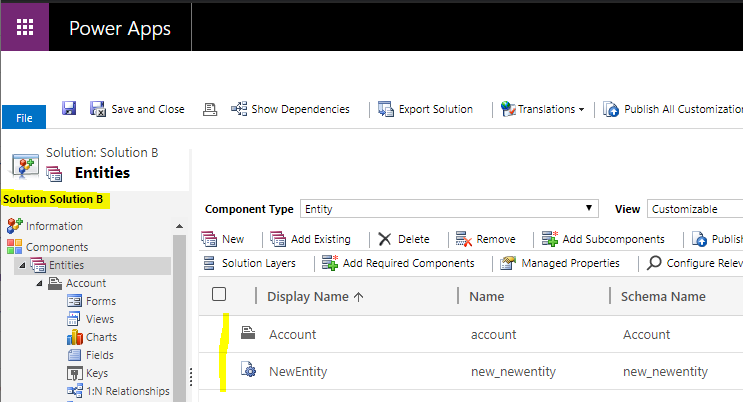
Solution B contains the Account entity and a new entity:
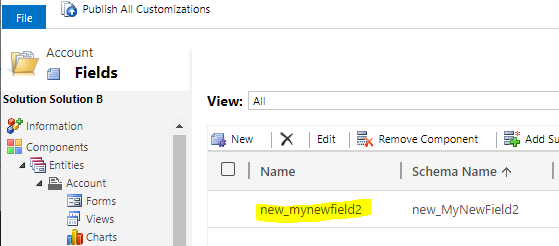
The account entity has another new field:
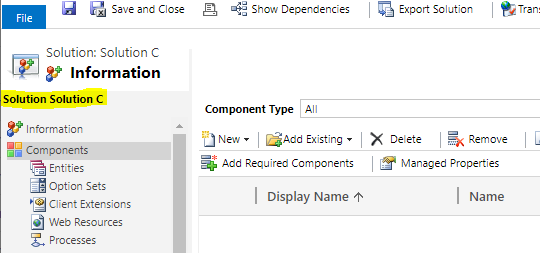
Solution C is empty:
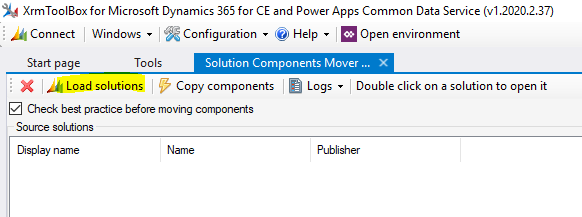
Let’s use the Solution Components Mover to merge the solutions. Open the XrmToolbox, connect to the org, and select the tool:

Click Load Solutions to see all solutions in the environment:
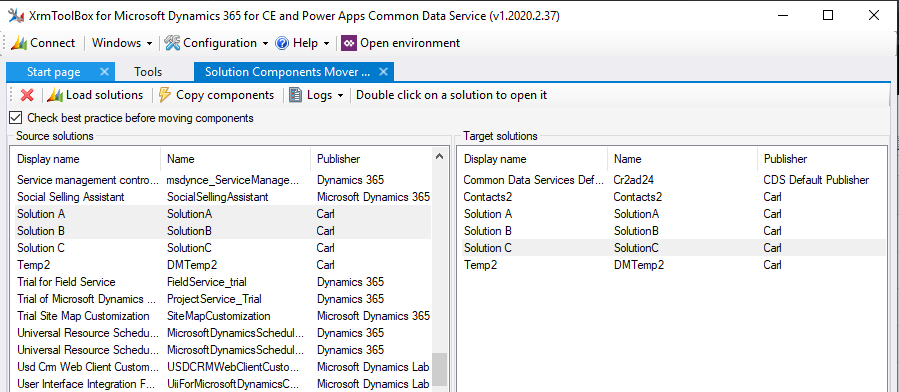
Select the 2 source solutions on the left – Solution A and Solution B. On the right, select the target as Solution C:
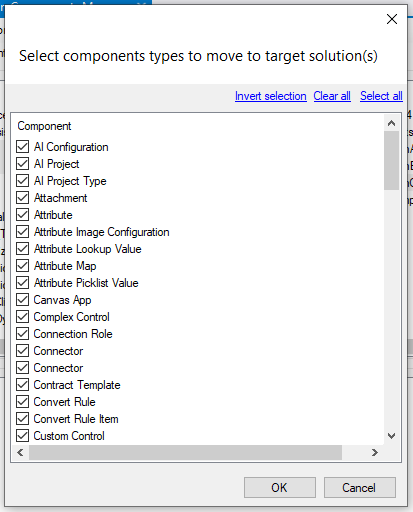
Click Copy Components in the toolbar. We are prompted to select which components to copy across. Select all applicable components and click OK to copy:
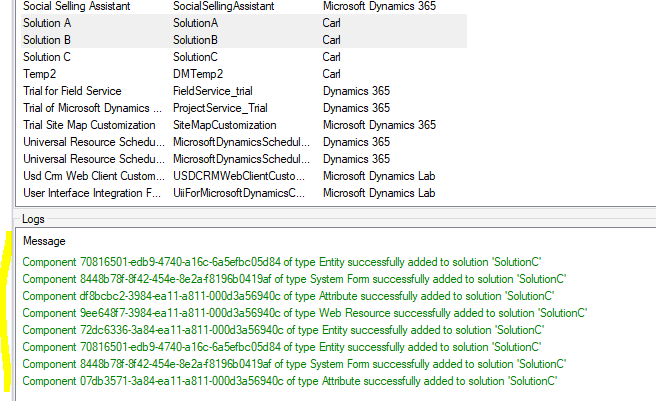
We see the components that have been copied in Green:
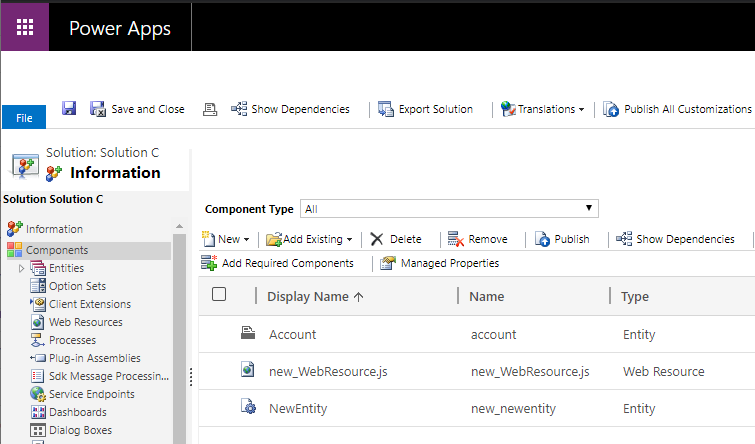
Now if we open Solution C, we see the components from our 2 source solutions:
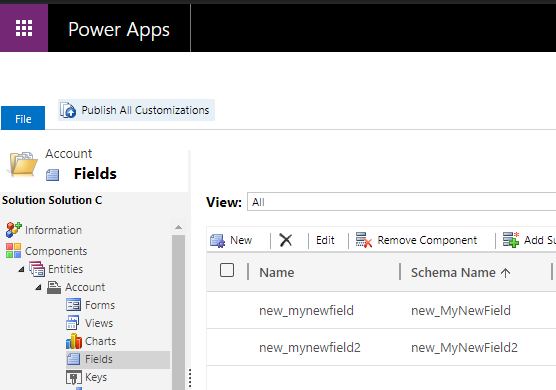
Including the fields:
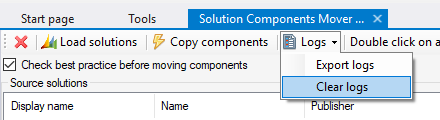
Let’s say instead of all resources, we select just Web Resources to copy. First clear the logs:
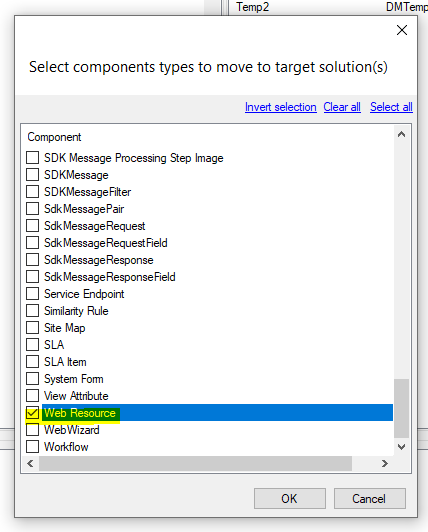
Now select Copy Components and only select Web Resource. Click OK:
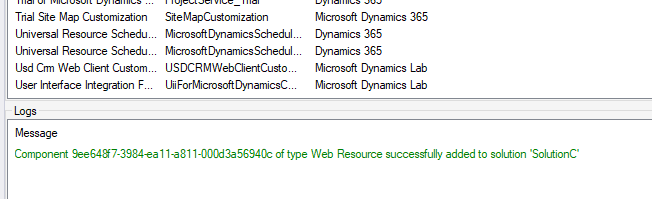
We see the message:
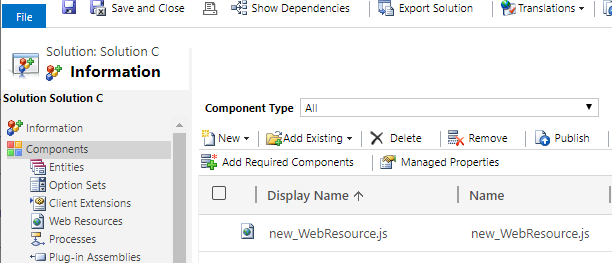
And only the Web Resource has been copied:
That’s it, a useful tool for merging solutions.
MERGE SOLUTIONS IN DYNAMICS 365 POWER APPS USING SOLUTION COMPONENTS MOVER
https://www.youtube.com/@powerappsninja
AUTOGENERATE FIELD VALUES WITH AUTO-NUMBER ATTRIBUTES IN POWER APPS D365