
When using the Ribbon Workbench tool in XrmToolbox, you may run into this error when trying to open it:
An error occurred when trying to display this tool: Unable to cast object of type ‘Microsoft.Xrm.Tooling.Connector.ServiceClient’ to type ‘Microsoft.Xrm..Client.OrganizationServiceProxy’:

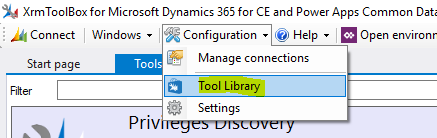
To resolve this, go to Tool Library:
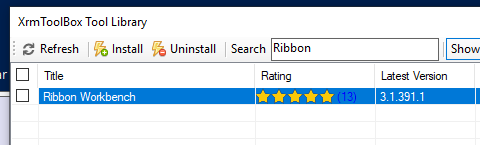
Select the Ribbon Workbench and click Uninstall:
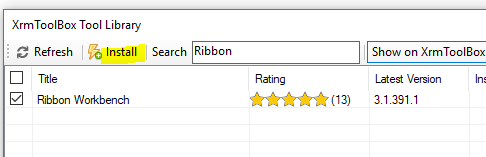
This will restart XrmToolbox. Now, go back to Tool Library and Install the Ribbon Workbench:
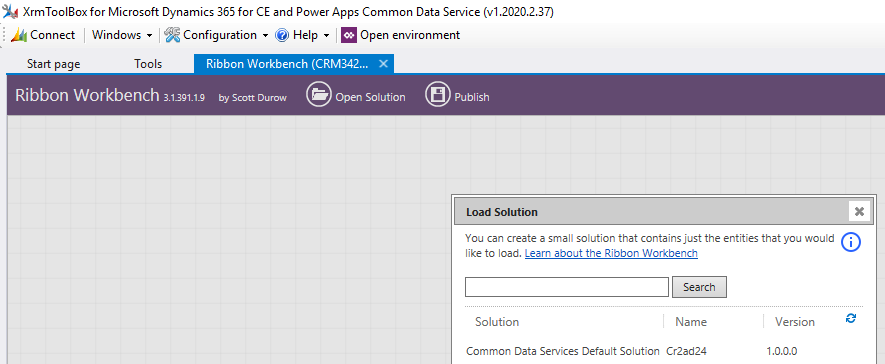
We see the Ribbon Workbench is now installed. Interestingly, the version does not show “2016” like it did when we opened it the first time:

Clicking on Ribbon Workbench now opens without the error:
ERROR LOADING RIBBON WORKBENCH IN XRMTOOLBOX – Power Apps