
RUN JAVASCRIPT WHEN USER CLICKS ON UNIFIED INTERFACE TAB
In Dynamics 365 / Power App, we may want to “do something” when a user clicks on a form tab. Let’s look at how we can write a handler to invoke custom code.
In our example, let’s look at the Account form. This form has multiple tabs – Summary, Project Price Lists, General etc. Let’s write code so when a user clicks in and out of the General tab, our code runs:
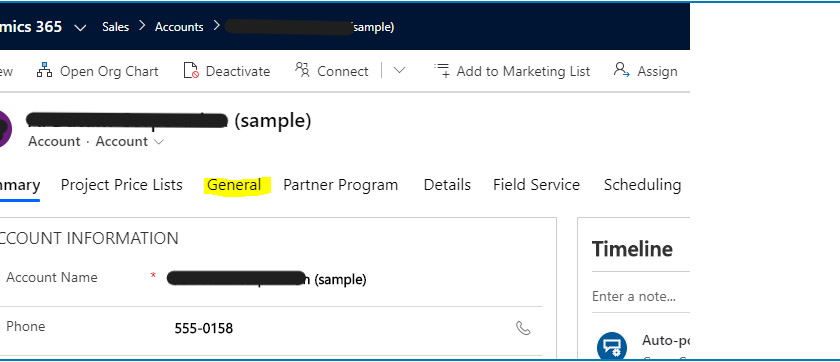
- Edit the form and go to the General tab properties:
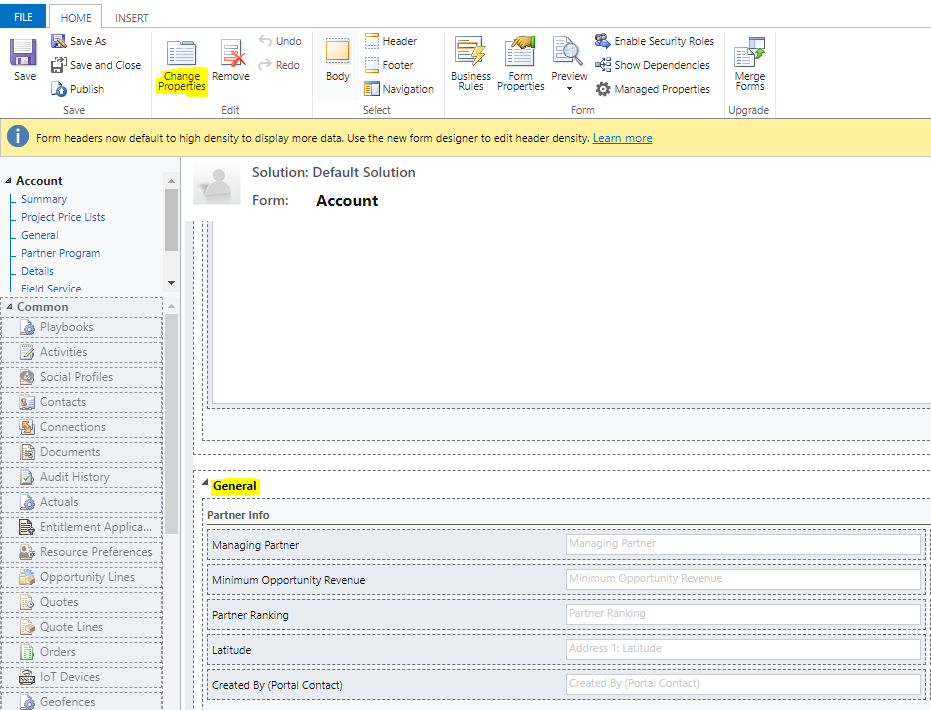
2. We see the tab is actually called Partner_Details. Click OK:
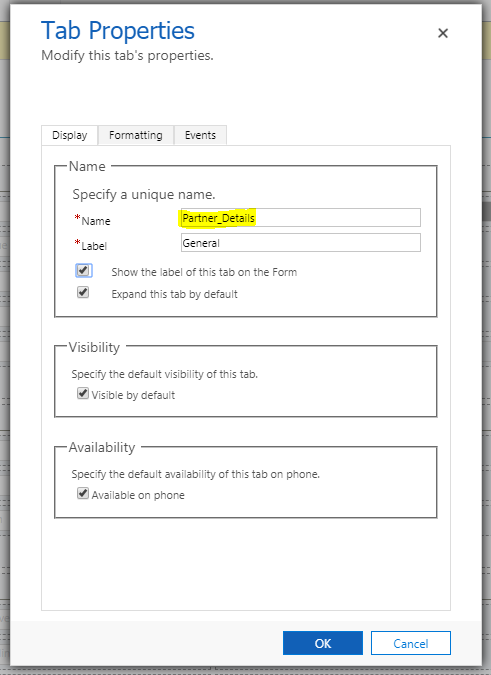
3. Click to add a new script on the Form Properties:
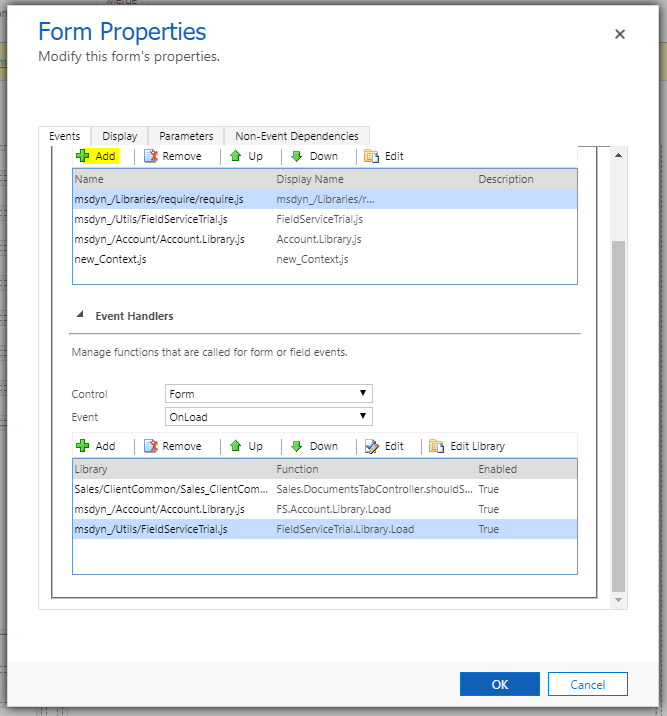
4. Click Add:
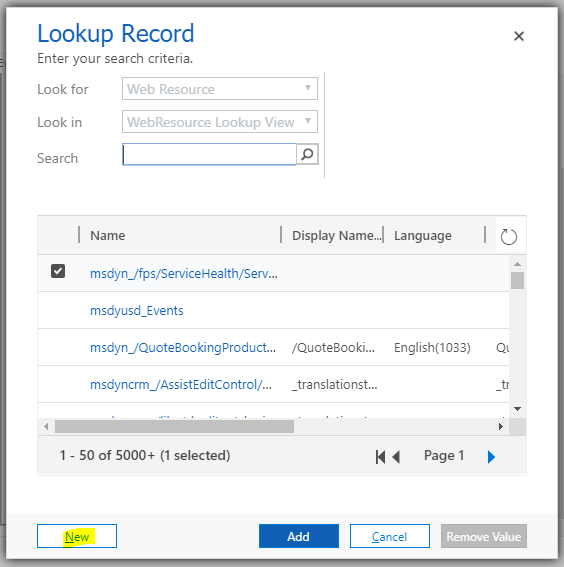
5. Create a new JScript, ours called DoAccountStuff.js:
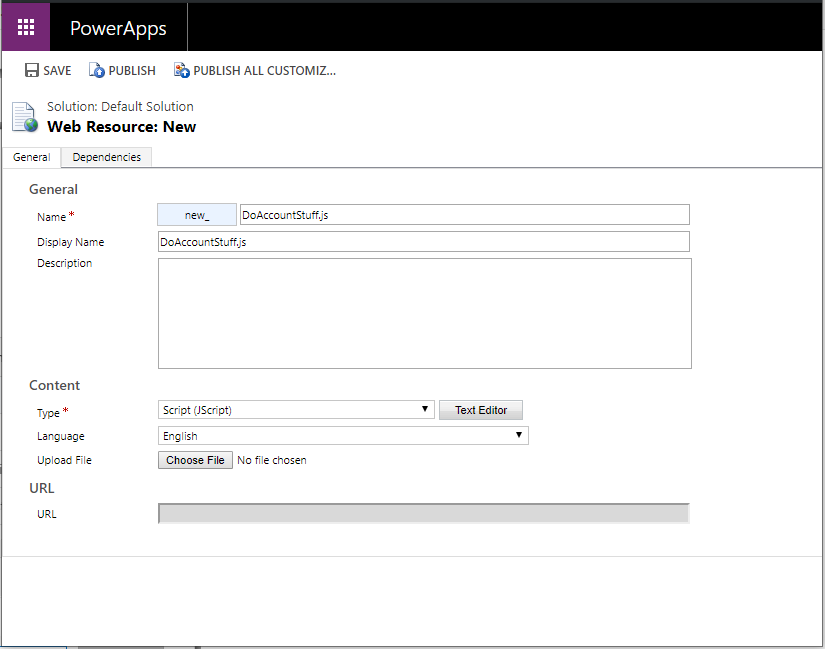
6. Add the following code. We will call this on the on load of the Account form. Note we are using addTabStateChange to attach our custom function TabClicked to the clicking event:
function OnLoad(executionContext) {
formContext = executionContext.getFormContext();
var PartnerDetailsTab = formContext.ui.tabs.get("Partner_Details"
PartnerDetailsTab.addTabStateChange(TabClicked);
}

function TabClicked() {
alert("Tab Clicked");
}
7. Click to Save the Script, and add it to the OnLoad:
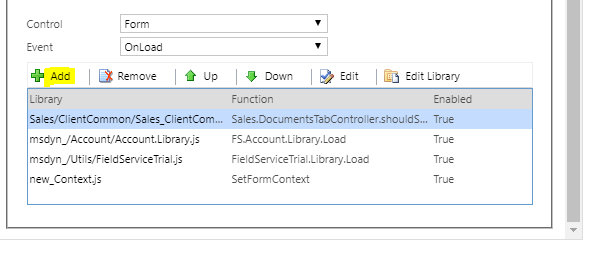
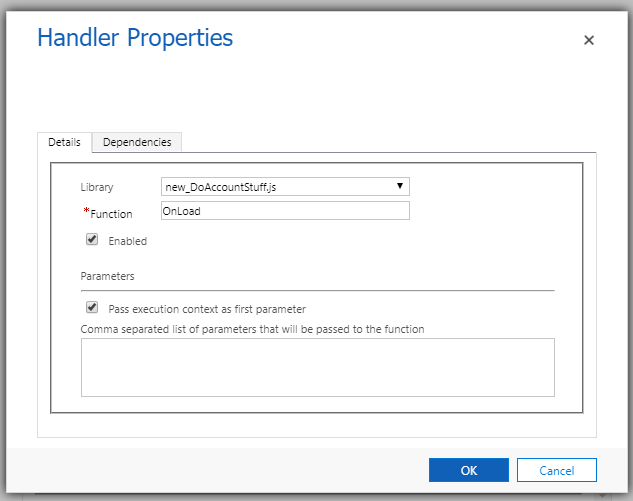
8. Passing the Context:
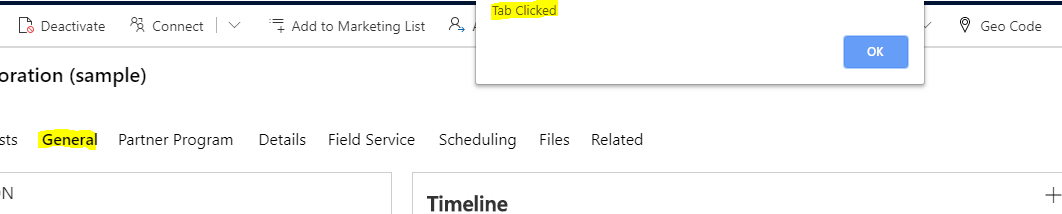
9. Now, on the Account form, click on the General tab. We see our script is invoked:
Note we are passing the executionContext, with the form context, which is useful to do something more meaningful in our script.