When working with web resources in Dynamics 365 / Power Apps in the past, we were able to access form elements by using Xrm.Page. This has now been deprecated in Dynamics 365 v9.x, so we need a way to access these controls from an HTML web resource. Microsoft documentation has stated that calling parent.Xrm.Page from web resources is still a way to access the form context. However, there is also getContentWindow in the Client API that can help us. Let’s take a look at how it works.
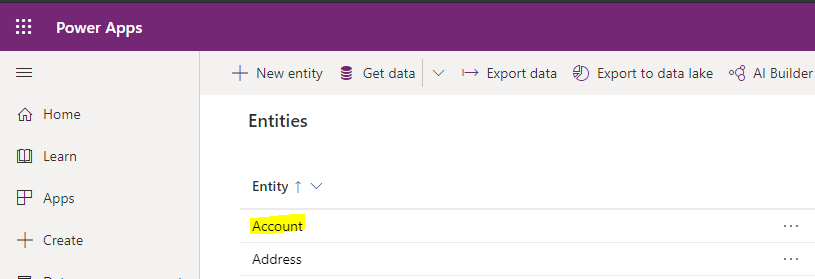
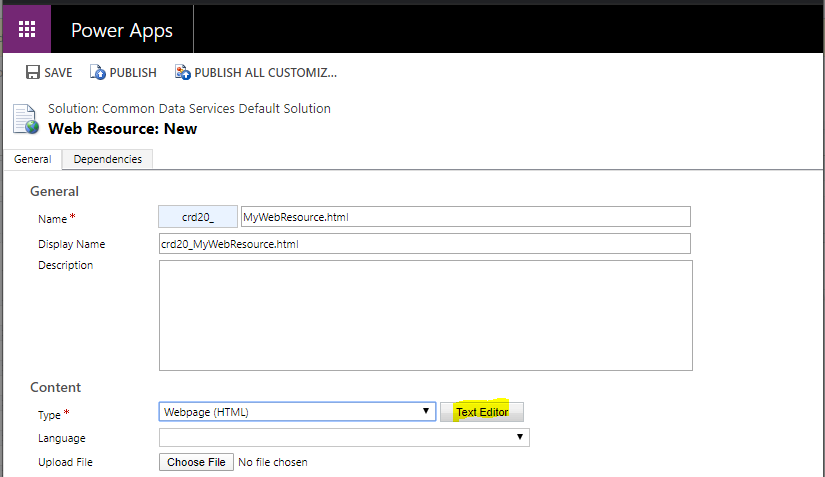
First, let’s create a new web resource on the Account entity in the Power Apps maker:
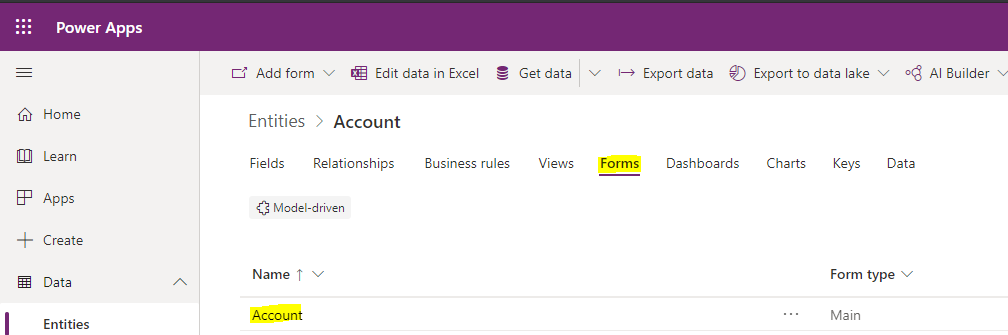
Select the Account form:
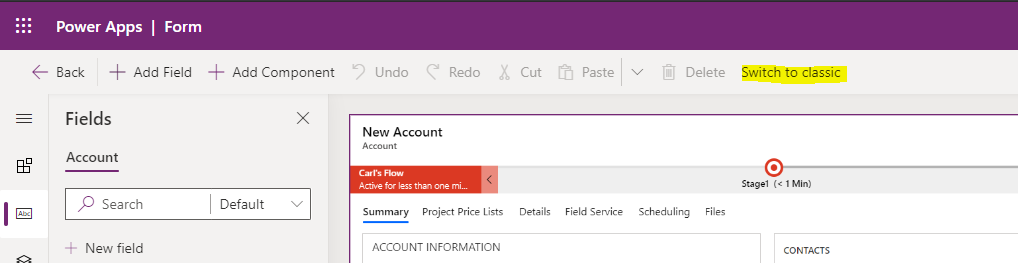
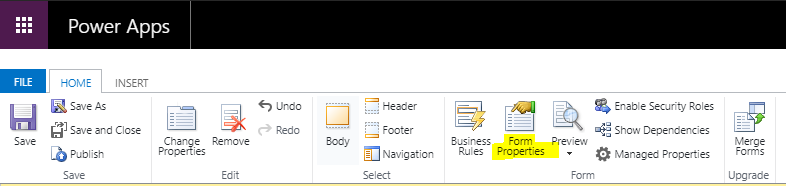
Switch to Classic:
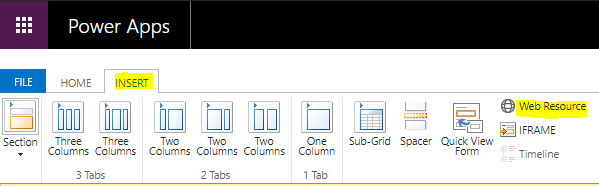
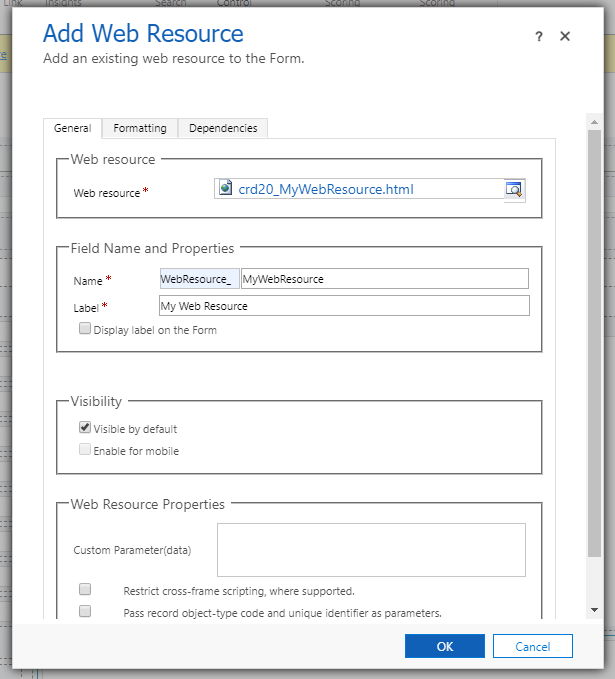
Insert a Web Resource:
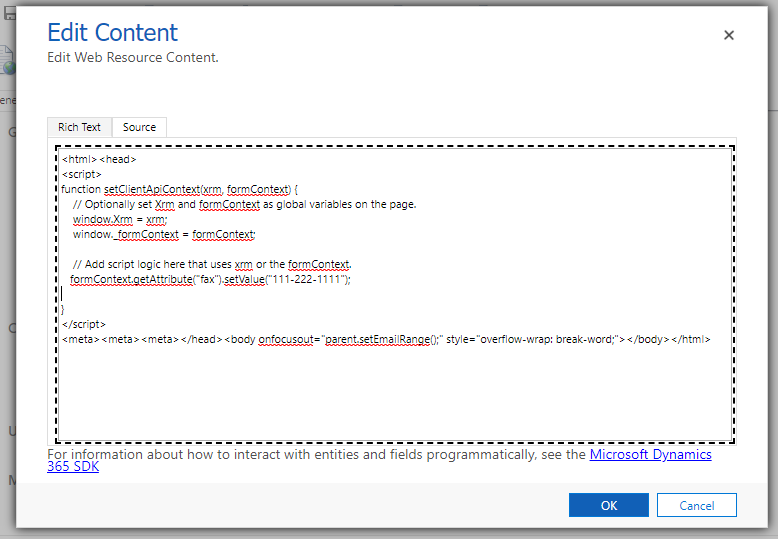
Click the Text Editor to add HTML:
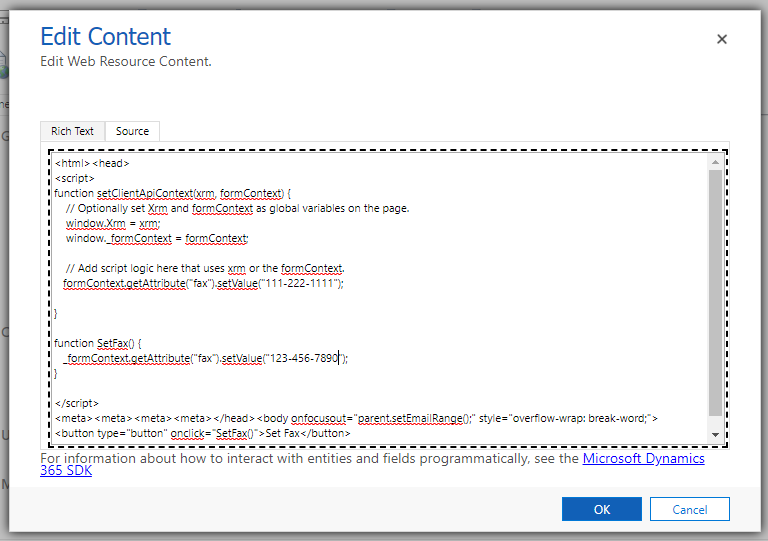
We will add the following code:
In this code. we are creating a function called setClientApiContext. We get the formContext as a parameter, and use it to set the fax field:
functionsetClientApiContext(xrm, formContext) {
// Optionally set Xrm and formContext as global variables on the page.
window.Xrm = xrm;
window._formContext = formContext;
// Add script logic here that uses xrm or the formContext.
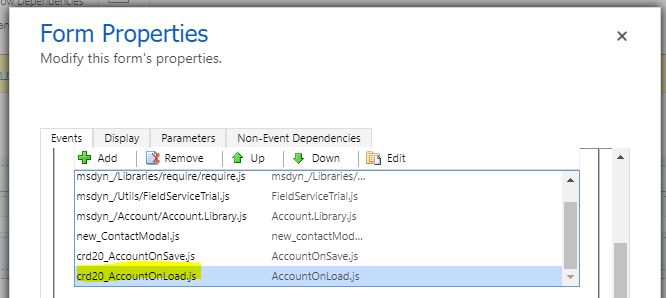
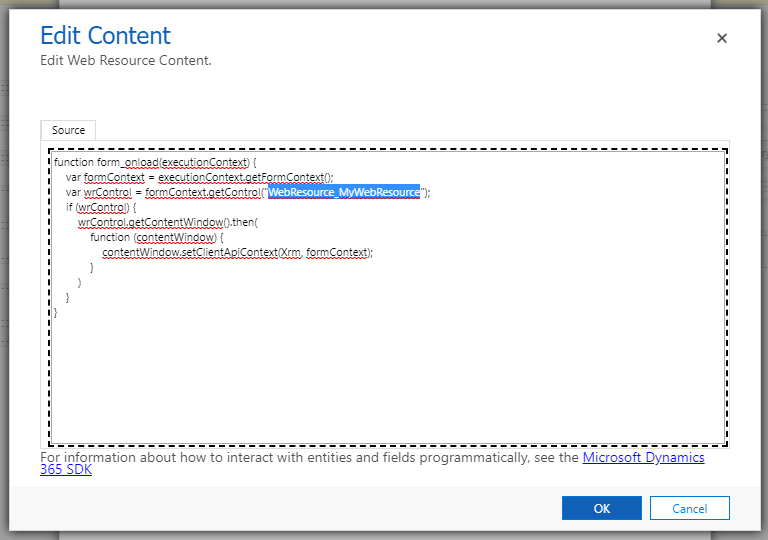
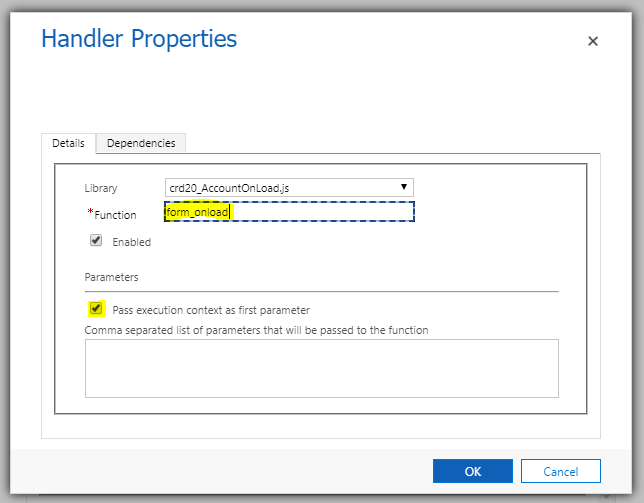
In the OnLoad of the Account form, we are calling this and passing in the executionContext:
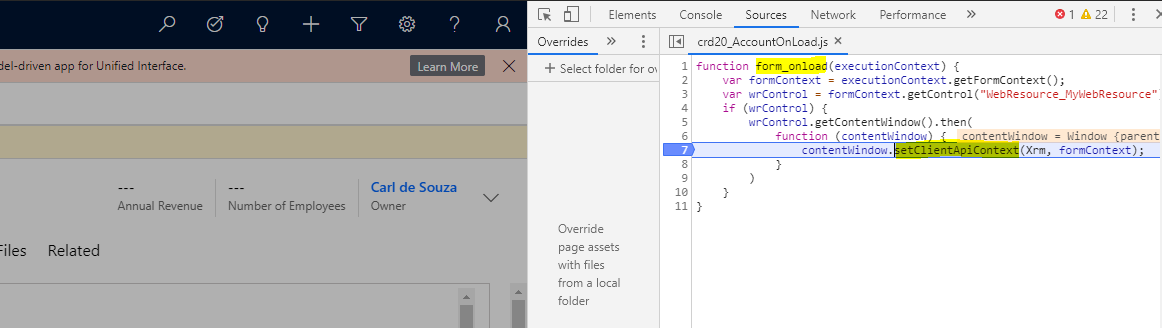
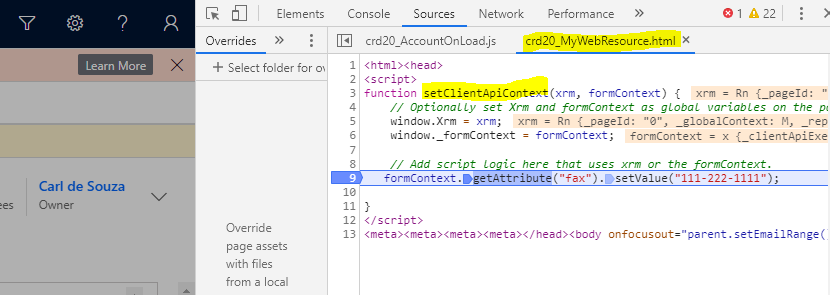
Now, let’s run it. We first see our OnLoad script is run, which calls the setClientApiContext:
And then the web resource script runs, which has the form context inside the web resource!
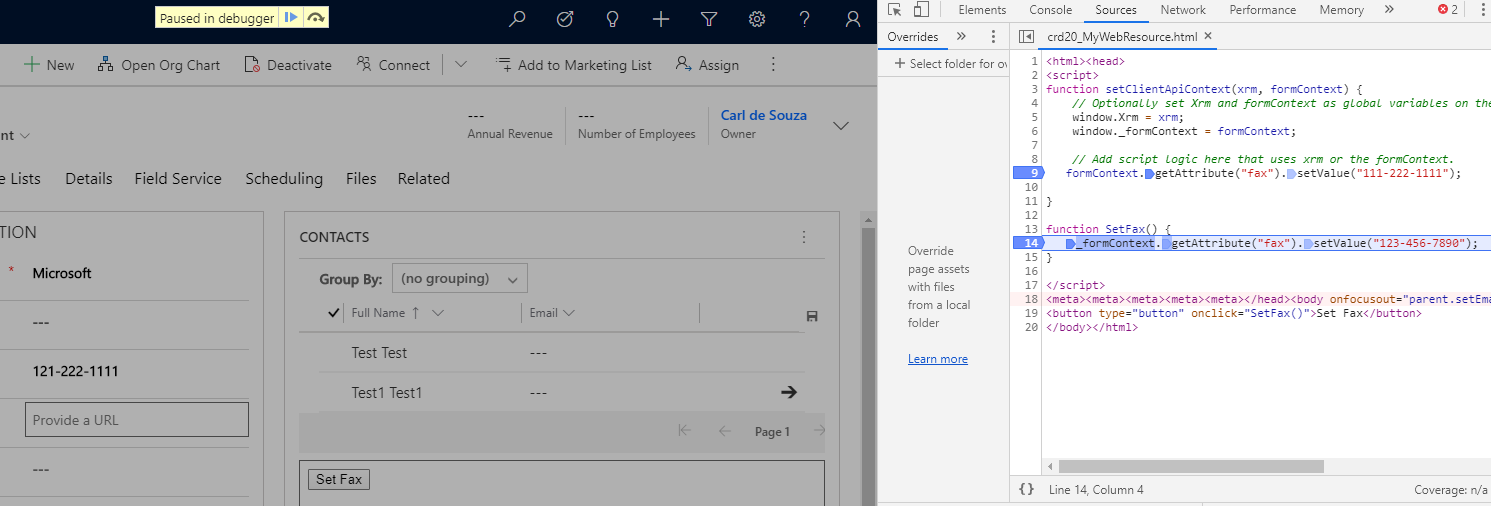
Let’s change this to have a button that, when pressed, sets the fax:
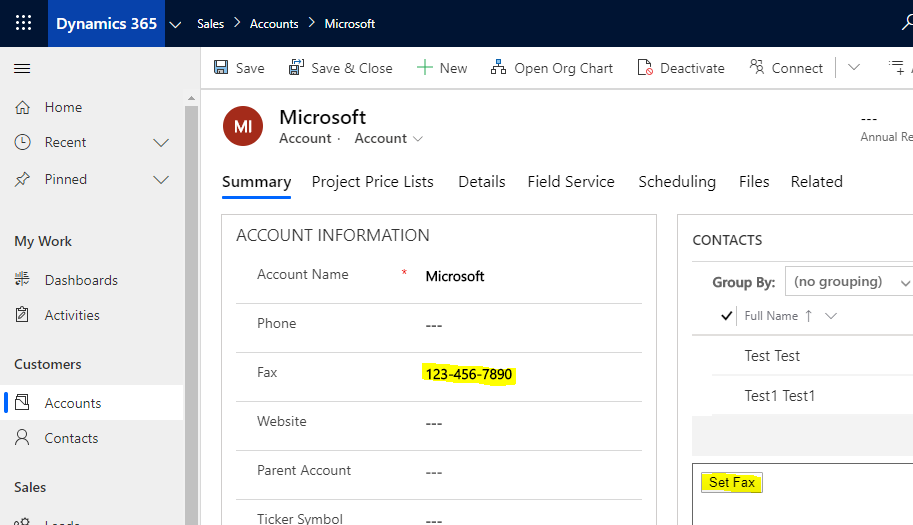
On clicking the button, the form context sets the fax:
So this gives us the form context in a web resource, without having to use Xrm.Page. Some users have found issues using this technique, such as navigating between tabs, opening related tabs, saving records, etc which may need workarounds. Feel free to comment on your experiences and any workarounds or limitations you ran into.
HOW TO USE FORMCONTEXT IN A WEB RESOURCE IN DYNAMICS 365 POWER APPS WITH GETCONTENTWINDOW