
In this post, we will look at how to embed Power Automate flows inside of Power BI and pass Power BI data to the flows. Let’s say we have a report which contains Dataverse data, and when a user selects an Account, the can click a button to have that account emailed to them.
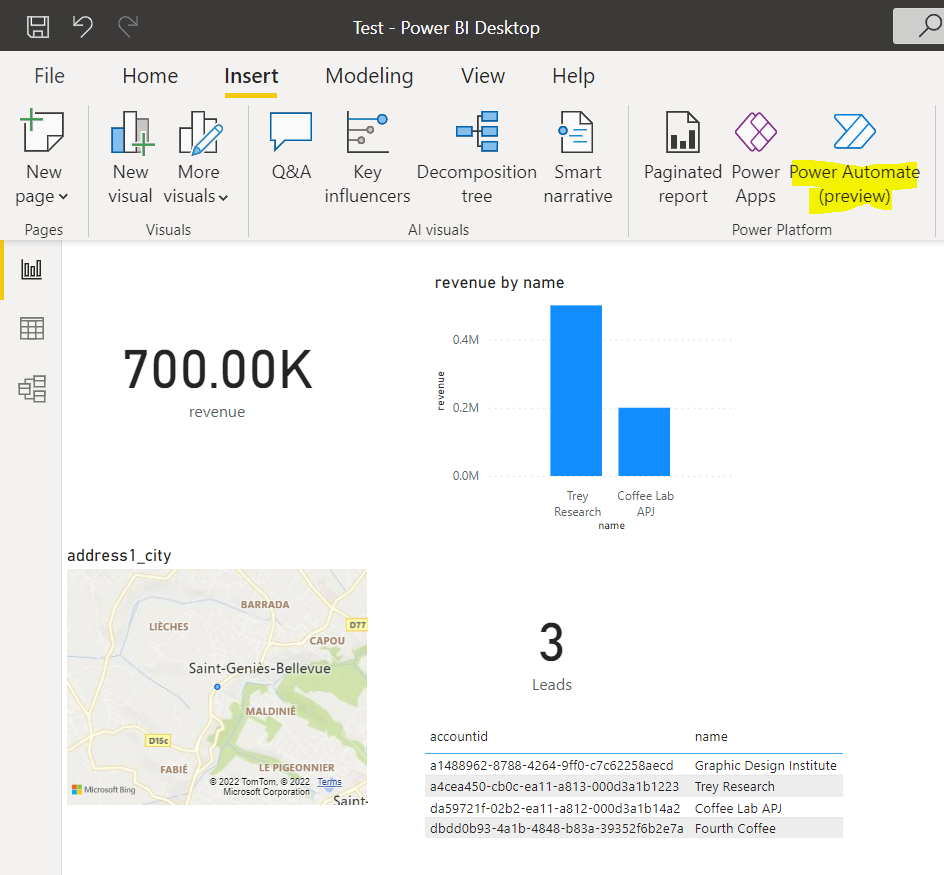
First, let’s look at a Power BI Desktop report we have, which is pulling data from a Dynamics 365 environment. On the Insert tab, we have a Power Automate (Preview) button:
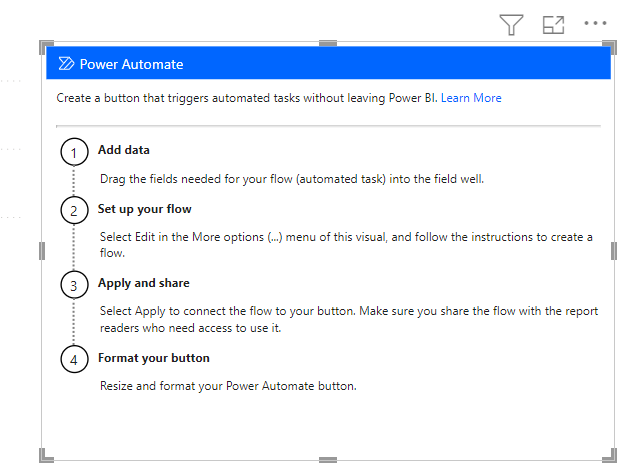
Clicking on it adds the following tile to the report. We see the first step is to drag into the tile the fields we want to pass to our flow:
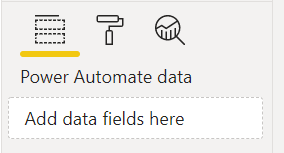
The fields will go here:
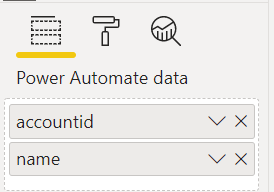
We will add account id and account name:
Next, we will select the Edit menu of the visual:
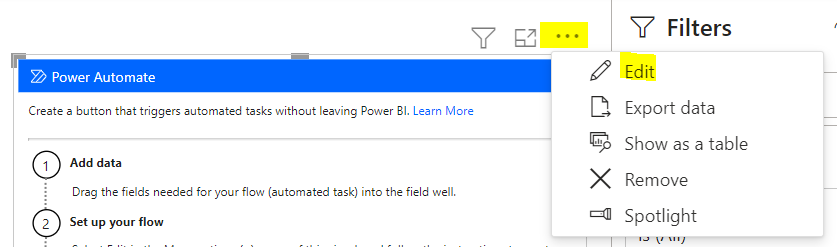
We see below. Let’s create a new flow:
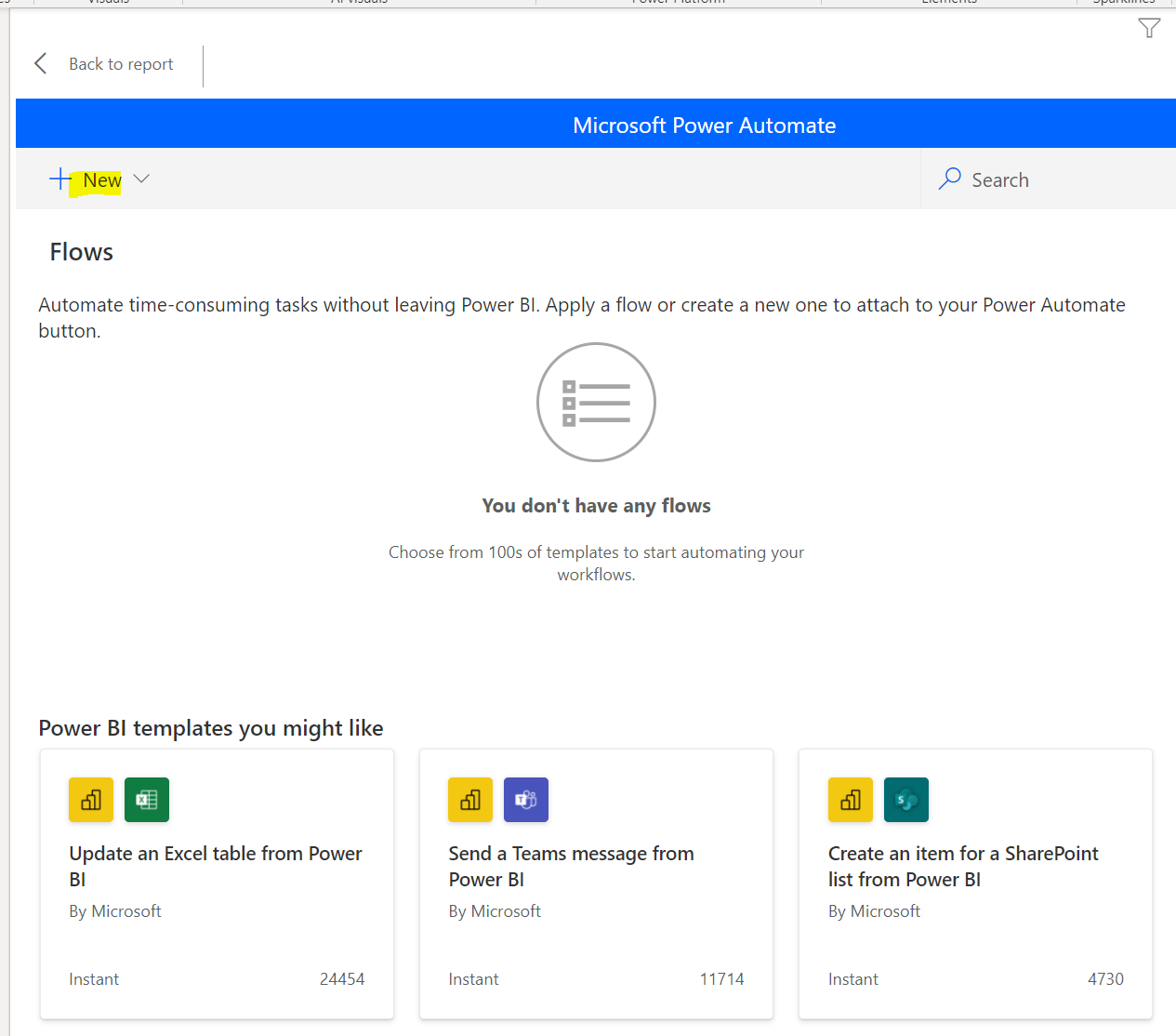
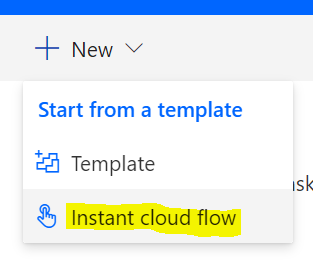
We now see:
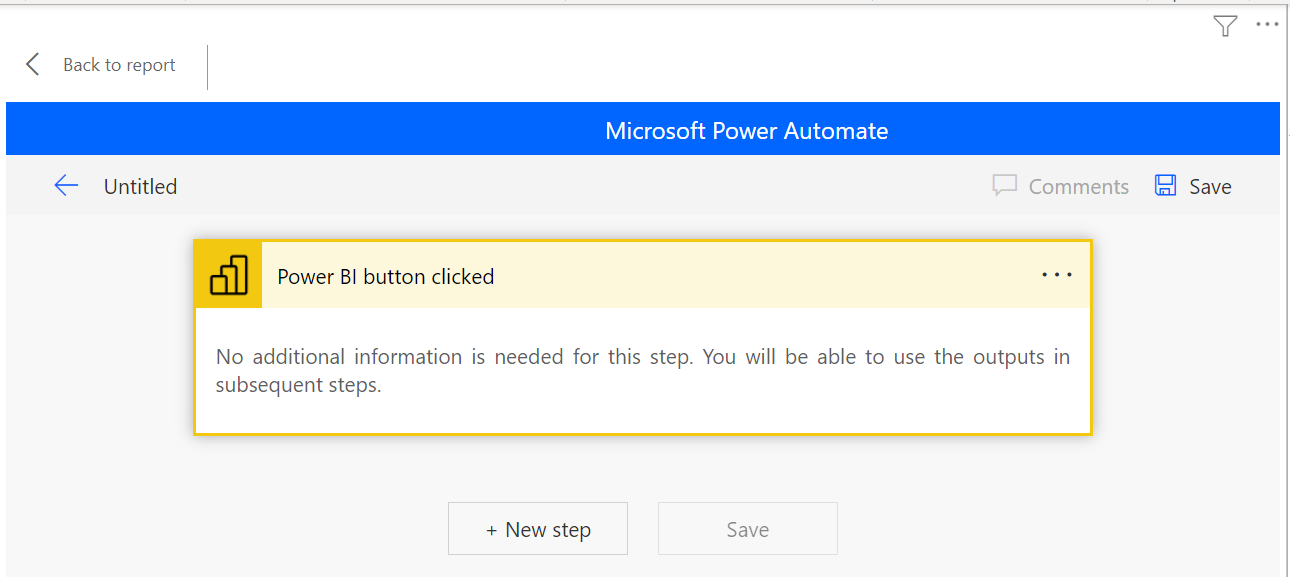
Click New Step. We will add a Dataverse step to send an email with the row selected:
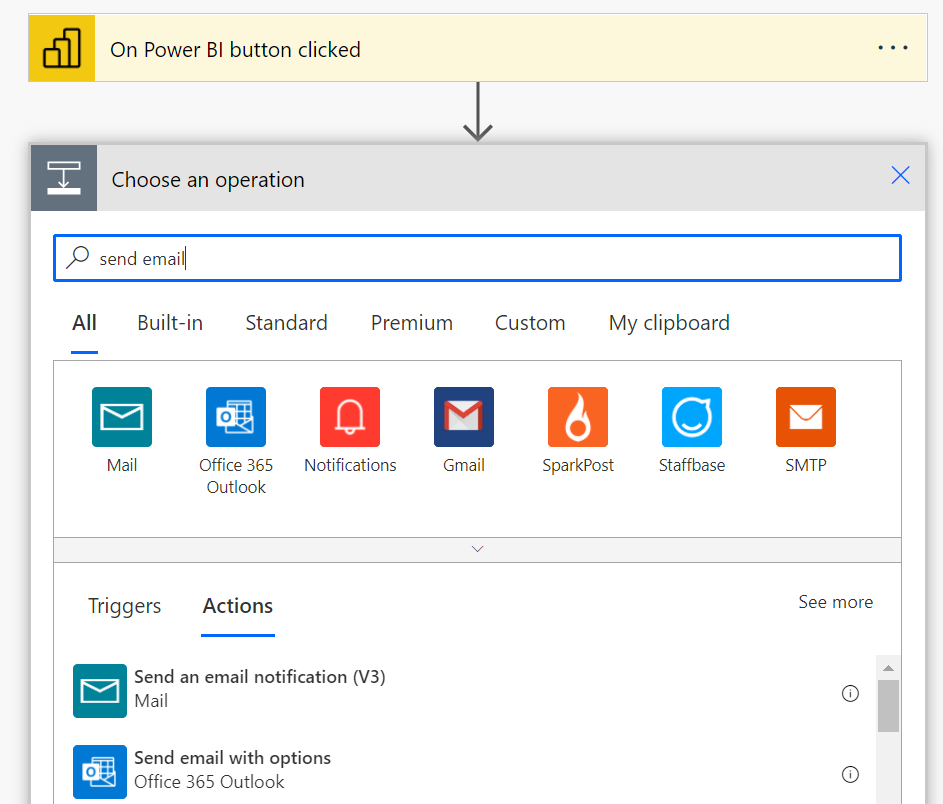
In the subject we will reference the Power BI field being passed in – the account name:
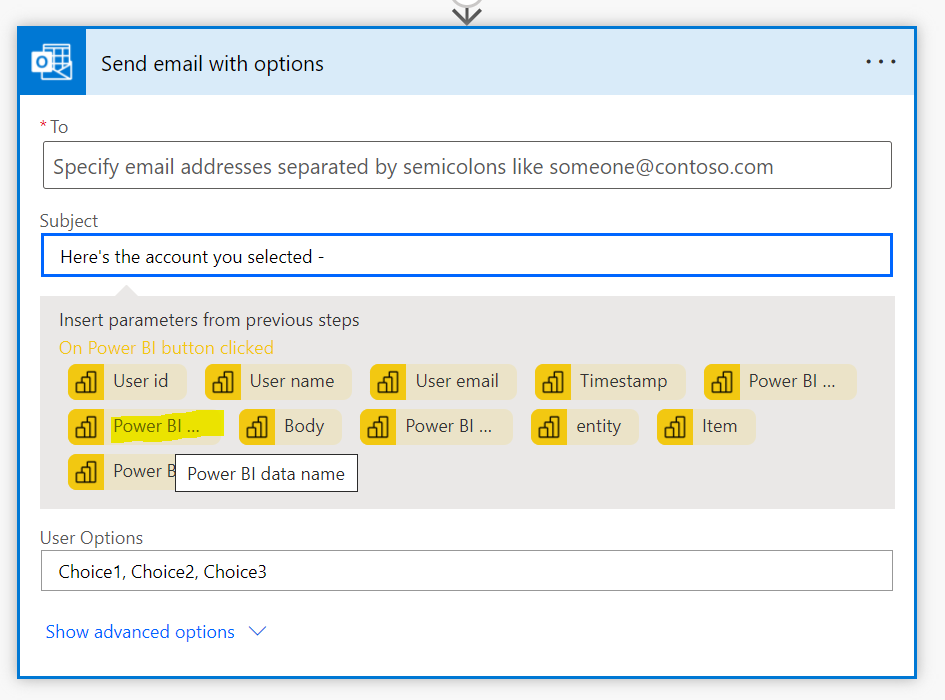
We will cut some corners by hardcoding the email address. Now, we see:
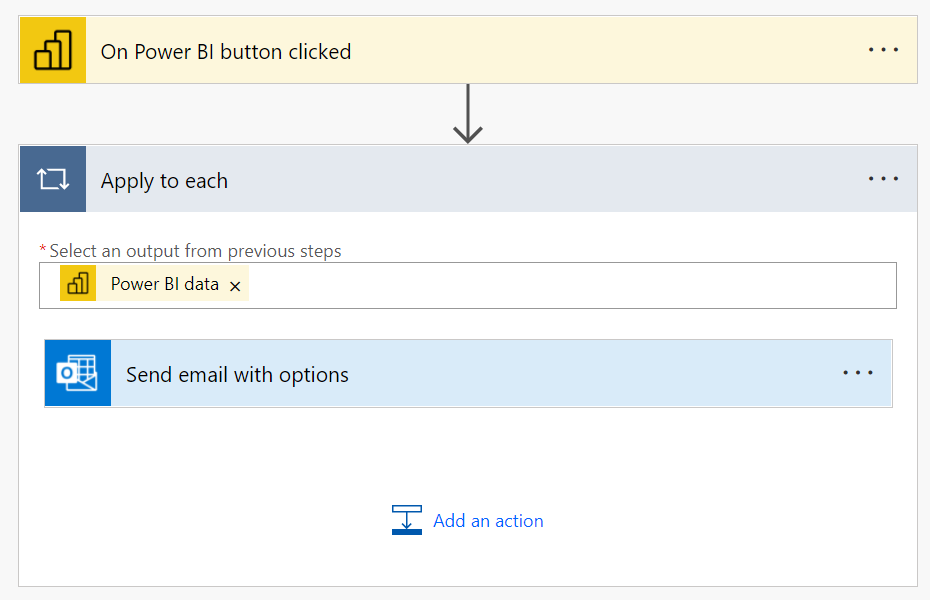
Let’s publish this to the Power BI service. We see below. Let’s select a row in the visual that displays accounts, and then click the Run Flow button:
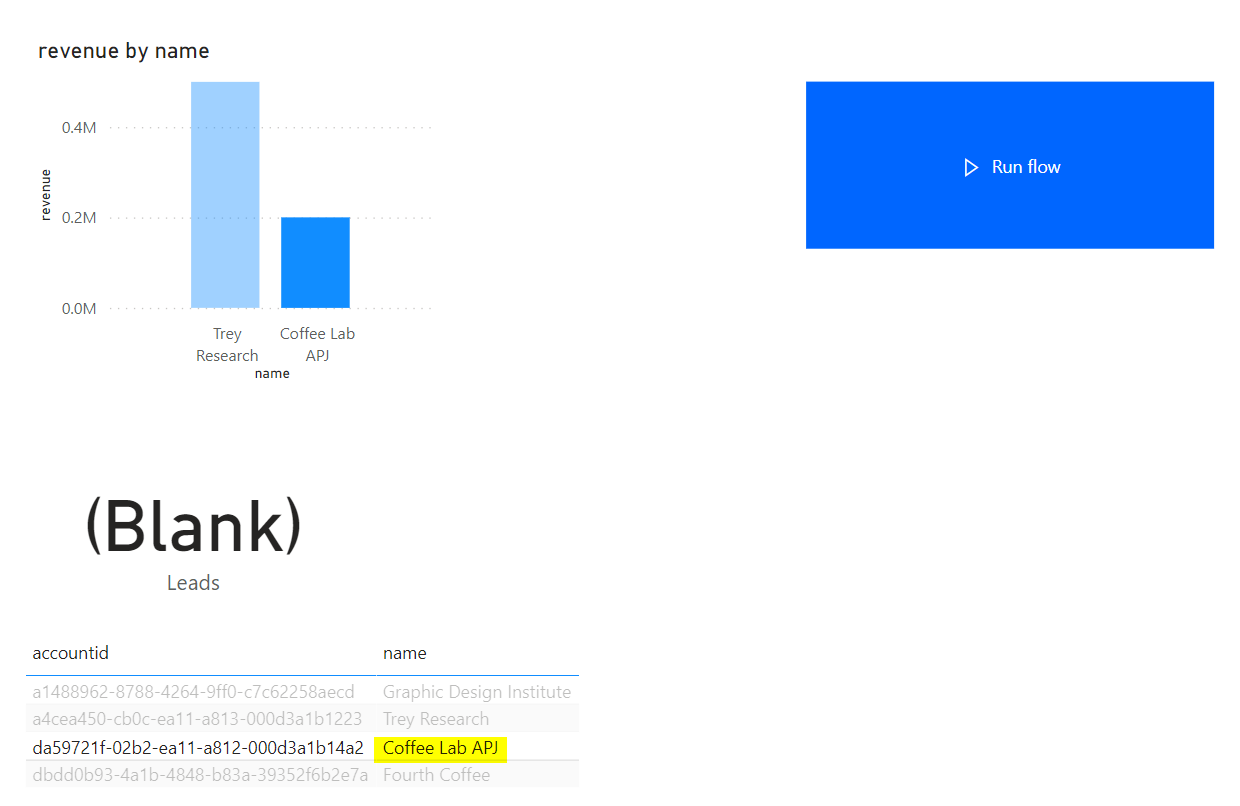
We see “triggering”:

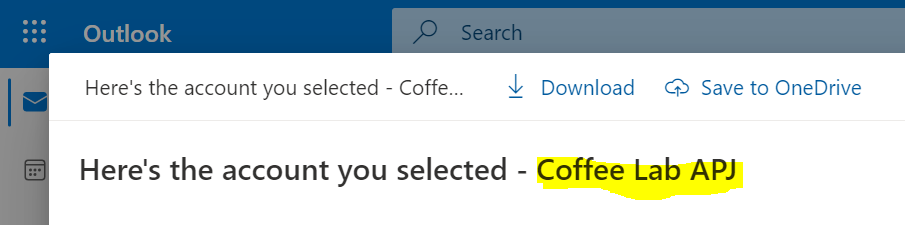
Once complete, if we check our email, we see the flow has run:
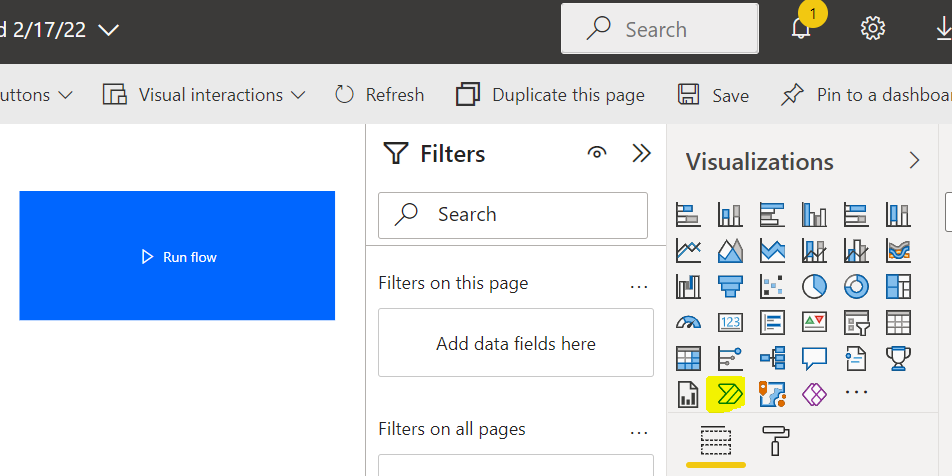
We can also add Power Automate tiles directly inside the Power BI Service.
Will be interesting to try this with real-world use cases.
EMBEDDING POWER AUTOMATE FLOWS INSIDE POWER BI