
You will learn to customize maker welcome content as per needs & requirements in Power Apps. Before we start, make sure to subscribe to so that you can stay up to date in the field of Power Platform.

Within Managed Environments, administrators can now customize the introductory content to assist their makers in initiating their Power Apps journey. When you incorporate your custom help content, it displaces the default first-time help experience provided by Power Apps for makers. When the welcome content is activated, makers will receive personalized getting started information upon logging into Power Apps.
It’s important to keep in mind that this is a preview feature, and such features are not intended for production use; they may have limited functionality. They are released before the official launch to provide customers with early access and gather feedback.
Customize welcome content in Power Apps
Follow the below steps to modify the welcome content as per your needs in Power Apps.
- Login into Power Platform Admin Center (https://admin.powerplatform.microsoft.com/home) with valid administrator credentials.
- Navigate to Environments in the left navigation pane, choose a managed environment, and then click Edit Managed Environment on the top menu bar.
- Navigate to Maker welcome content under the help content.
- Customize the welcome message as per your requirements.
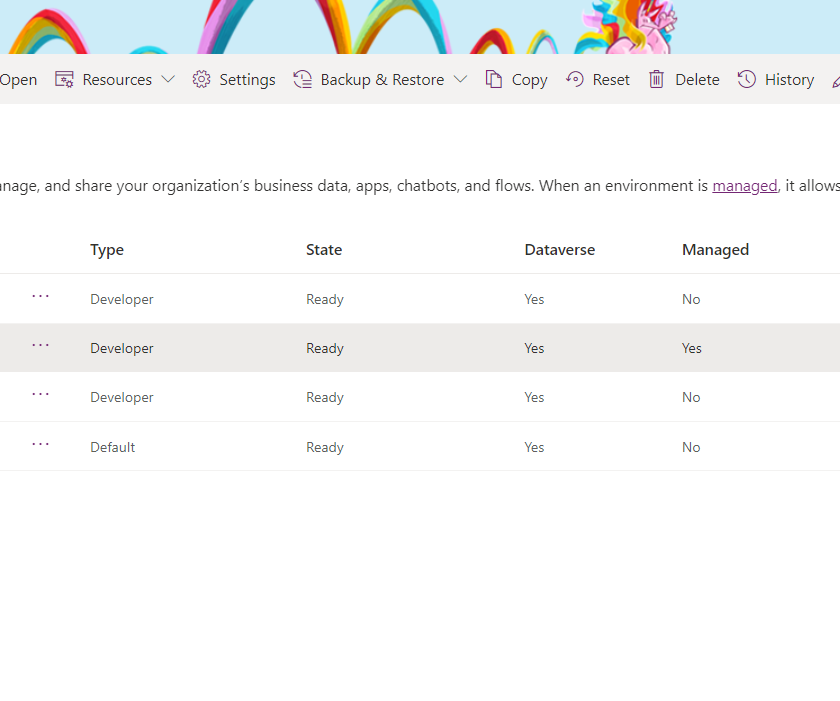
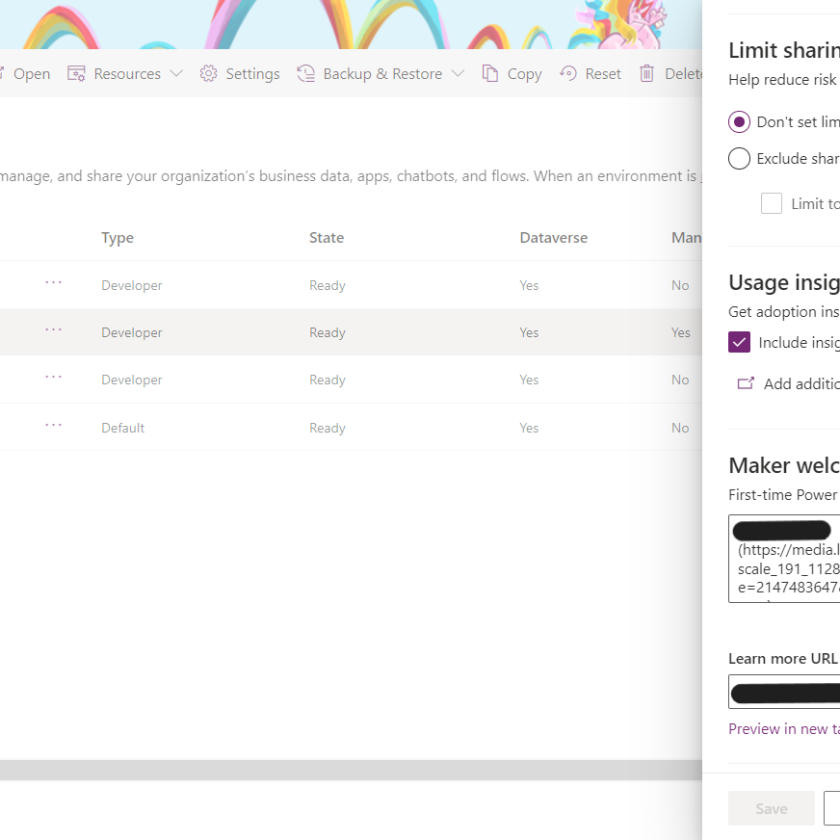
You can either use simple text or used markdown for customizing your welcome message. Below is the sample message used for this demonstration.
![Powerapps Ninja]
(YOUR IMAGE URL)
 ## Welcome to  Powerapps Ninja ###
Let's get started with data Before you start using Power Apps,
 please refer to Powerapps company guidance
 1. **Find your training videos:**
[Learning Videos]
(https://www.powerappsninja.com/courses-training/)
 and [training guides](https://www.powerappsninja.com/courses-training/)
 2. **Contribute ideas:**
 Submit an idea for a new app or flow idea at
[Suggestion box](https://www.powerappsninja/com/suggestions)
 3. **Learn from others:**
 [Top tips](www.powerappsninja.com) by expert makers at Copy
Hello there I am so grateful I found your blog page, I really found you by accident, while I was looking on Bing for
something else, Anyhow I am here now and would just like to say kudos for a tremendous post and a all
round enjoyable blog (I also love the theme/design), I don’t have
time to browse it all at the moment but I have saved it and also added your
RSS feeds, so when I have time I will be back to read a
lot more, Please do keep up the awesome work.
Thanks