
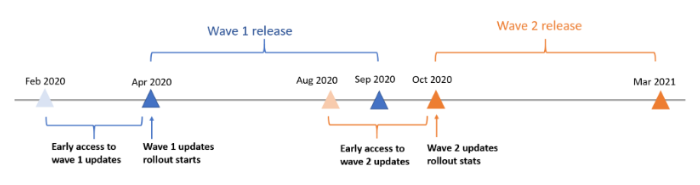
The Dynamics 365 2020 Release Wave 1 Preview is now available in early access to activate in your orgs. The roadmap from Microsoft looks like below:
You can read about some of the features in the link here:
And access the PDF on the release here:

To install the release, which you may want to test out on a trial org, head to the Power Platform Admin Center at https://thepowerappsninja.com//environments and select your org:
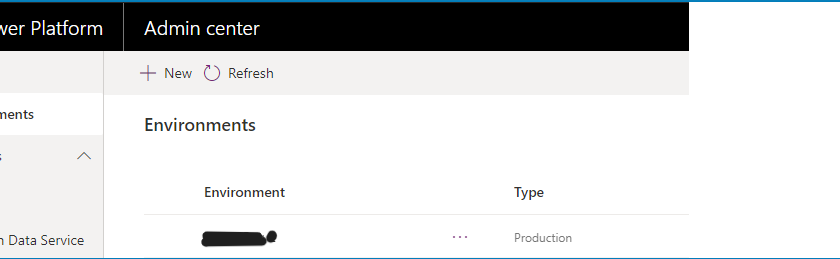
Click on Manage:
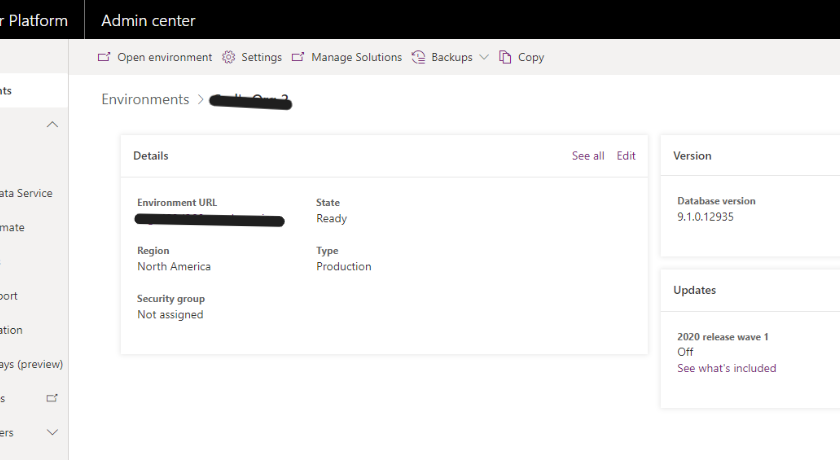
And then Update now:
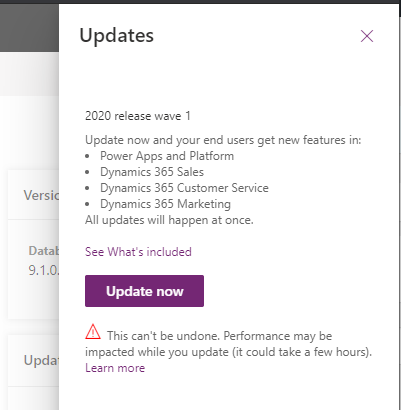
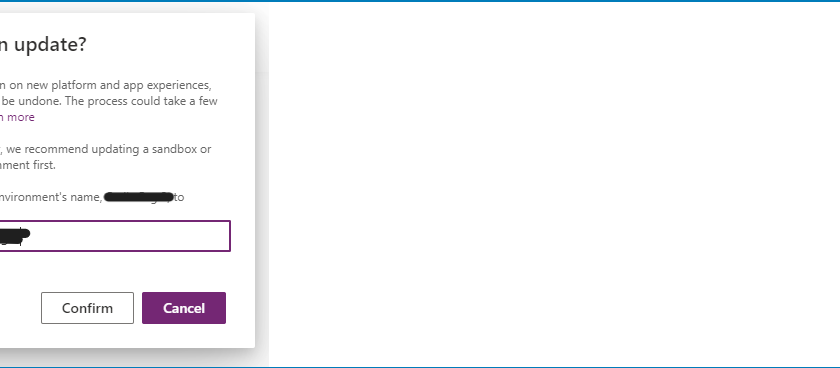
Click Confirm:
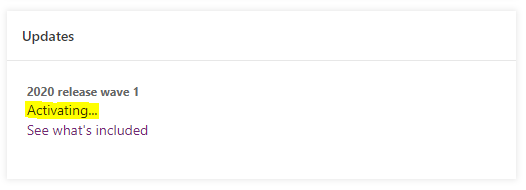
You will see Activating. This may take some time to activate:
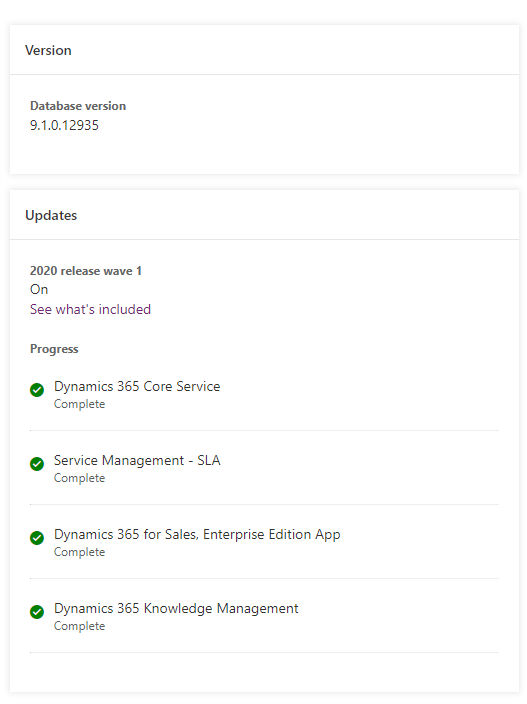
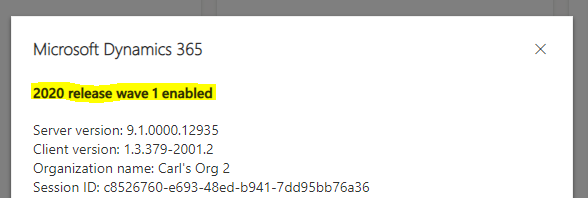
Once complete, you will see the 2020 release wave 1 installed:
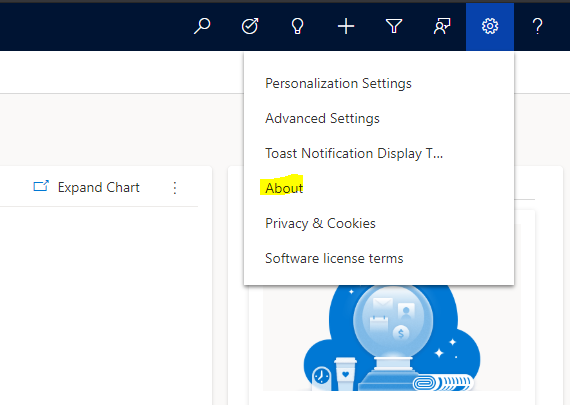
Which you can confirm when signing into your D365 org:
We’ll explore the new features in upcoming posts.
On YouTube? Check out my channel.
HOW TO UPDATE DYNAMICS 365 TO 2020 RELEASE WAVE 1
https://www.youtube.com/@powerappsninja
NAVIGATION PROPERTY FOR LOOKUP FIELD IN XRM.WEBAPI CREATE – HOW TO USE