
In Dynamics 365, we can set “friendlier” URLs for each of the apps we create. Let’s look at how to do this.
First, go to your apps by logging into you will see your apps displayed:
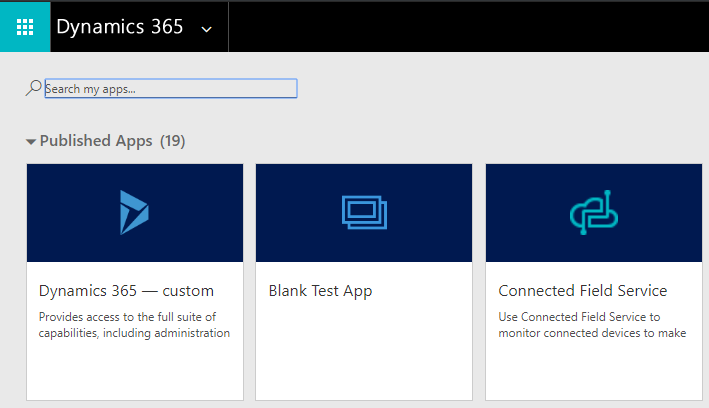
Let’s navigate to our Blank Test App by clicking on it. It takes us to a URL with the AppId appended to it:

Let’s add a URL to our Blank Test App by selecting the …:
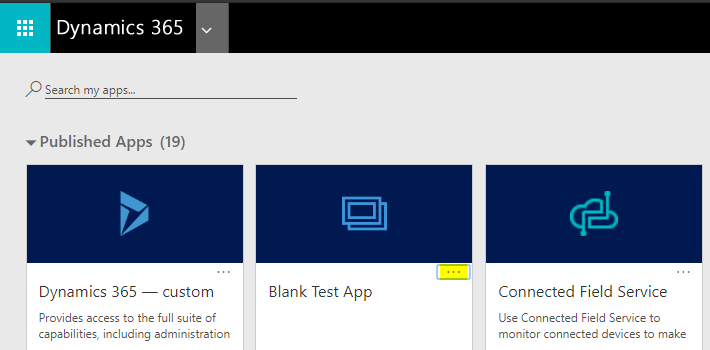
Then Manage Roles:
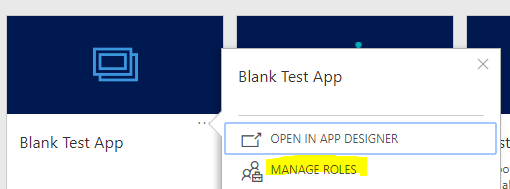
In the App URL Suffix, we see BlankTestApp:

This is showing the new URL as:
https://www.youtube.com/@powerappsninja
Let’s navigate to this URL:

The page is then redirected to the org url we saw earlier:

This can be useful for users who want a memorable way to navigate to their apps when they need to type in the URL.
CONFIGURING APP SUFFIXES FOR FRIENDLY URL NAMES FOR DYNAMICS 365