

Introduction to Pipelines for Power Platform | Deploy Solutions to Environments | Tutorial
Introduction to Pipelines for Power Platform | Deploy Solutions to Environments | Tutorial Power Platform Pipelines aims to simplify […]
Introduction to Pipelines for Power Platform | Deploy Solutions to Environments | Tutorial Power Platform Pipelines aims to simplify […]
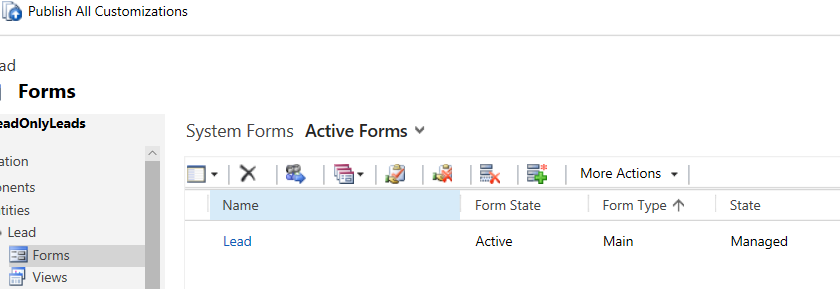
DYNAMICS CRM READ ONLY FORM AND DISABLE FIELDS WITH JAVASCRIPT One way to lock down a form is through JavaScript. Let’s
DYNAMICS CRM READ ONLY FORM AND DISABLE FIELDS WITH JAVASCRIPT Read More »

In this article, will explain how to download the Plugin Registration Tool using Power Shell Script from Nuget. Follow the
How To Download The Dynamics 365 CE Plugin Registration Tool Read More »

In Dynamics 365, there is a common need to identify which fields have been modified on the form during an
CHECKING DIRTY FIELDS IN DYNAMICS 365 USING JAVASCRIPT Read More »
Dynamic Mandatory Fields in Power Apps Portals When building forms in Power Apps Portals (now called Power Pages), you often
How to Make Fields Mandatory or Optional Dynamically in Power Apps Portals Read More »
The PowerApps Lookup function is used to find and return the first record in a table that matches one or
PowerApps Lookup(Source, Filter, COLUMN) Read More »
How to use Microsoft Dataverse – Create your first table and columns Are you ready to learn how to use
How to use Microsoft Dataverse – Create your first table and columns Read More »
Power Apps and Power Automate are both components of the Microsoft Power Platform, which is a suite of low-code development
What is the relationship between Power Apps and Power Automate? Read More »

How to use Autonumber field in Model Driven Apps Autonumber fields are a type of field that automatically generates a
How to use Autonumber field in Model Driven Apps Read More »
Unable to cast object of type ‘Microsoft.Xrm.Sdk.OptionSetValue’ to type ‘System.String’ if you facing OptionSetValue Cast error in your Plugin use
Unable to cast object of type ‘Microsoft.Xrm.Sdk.OptionSetValue’ to type ‘System.String’ Read More »